
Shimano Deore Di2 RD-M6250-SGS derailleur, 12-speed





Shimano Deore Di2 RD-M6250-SGS rear derailleur
A modern electronic derailleur designed for mountain bikes with a wide gear range that provides reliable and precise shifting even in demanding conditions. Thanks to its robust construction and automatic recovery after impact, it is an ideal choice for trails full of obstacles.|
Wireless Di2 system with HYPERGLIDE+ technology for instant and precise shifting
|
|
Automatic recovery after impact returns the derailleur to its original position
|
|
Robust construction with durable and solid rollers for long service life
|
|
Optimized design with sliding surface to minimize impact damage
|
|
SHADOW stabilization concept for chain stability even in difficult terrain
|
| Groupset | Shimano Deore Di2 |
| Gears | 1x12 |
| Control type | electronic |
| Min./Max. the size of a small cassette pinion | 10T/10T |
| Min./Max. the size of the large cassette pinion | 51T/51T |
| Capacity | 36T |
| Weight | 490 g |
| product ID | 368430 |

 •
edit
•
edit
Variant Shimano Deore Di2 RD-M6250-SGS prehadzovačka, 12-kolo
 Bolo by mozne tuto prehadzovacku namontovat na ebike Haibike Trekking Cross 9 i625 Wh LowStep 27.5, kde je v sucasnosti prehadzovacka Shimano Deore M5100 11-kolo a kazeta 11-kolo 11/51?
Je sucastou prehadzovacky aj ovladac s tlacidlami na riadidla?
 •
•
Dobry den,
prehadzovac mozete pouzit, potrebna bude vymena kazety a retaze.
V baleni sa nachadza len samotny prehadzovac - bez ovladaca a bez baterie.
•
Variant Shimano Deore Di2 RD-M6250-SGS prehadzovačka, 12-kolo
 As fi vrut sa aveți o descriere a pachetului in care vine produsul, adică ce conține, pentru ca am vazut pe alte magazine ca acest produs vine fără baterie si încărcător! Puteți sa faceți o completare in acest sens? Mulțumesc!
•
edit
Bună ziua, da, corect, pachetul conține doar schimbătorul de viteze în sine - fără încărcătorși fără baterie.
•
Variant Shimano Deore Di2 RD-M6250-SGS prehadzovačka, 12-kolo
Je táto prehadzovačka kompatibilná s motorom BOSCH Performance Line CX 4 gen mám e bike crussis e -full 12.9.Dakujem.
•
Dobrý deň,
Pokiaľ chcete prehadzovačku napájať z motora tak u tejto verzií to nie je možné. Pre napájanie ze z batérie má Shimano model RD-M6260 (nedostupná) ale vyrába sa len v SGS verzií (pre kazetu 10-51z).
WARNING
For information about installing, adjusting, and replacing products that are not found in the user's manual, consult the place of purchase or a distributor. A dealer's manual intended for professional and experienced bicycle mechanics is available on our website (https://si.shimano.com).
For safety, be sure to read this "user's manual" thoroughly before use, follow it for correct use, and save it so that you can refer back to it at any time.
The following directions must be always followed in order to prevent personal injury, physical damage to equipment and the surroundings. The directions are classified according to the degree of danger or damage that may occur if the product is used incorrectly.
DANGER - Failure to follow the directions will result in death or serious injury.
WARNING - Failure to follow the directions could result in death or serious injury.
CAUTION - Failure to follow the directions could result in personal injury or physical damage to equipment and the surroundings.
For items requiring replacement, be sure to consult the place of purchase or a distributor.
Be sure to observe the following instructions in order to prevent burns and other injuries due to fluid leakage, overheating, fire or explosion.
DANGER
- Use the specified charging cable when charging the battery. Use of any other item may lead to fire, overheating, leakage, or damage to the connected PC.
- Prevent the charging cable from getting wet, and do not touch or hold it when it is wet or when your hands are wet. Failure to do so may cause problems with operation or electric shock.
- Use an AC adapter with a USB port with a voltage of 5.0 V DC and a current value of at least 1.0 A DC. If you use an adapter with a current value of less than 1.0 A, the AC adapter may heat up and cause fire, smoking, overheating, damage, electric shock, or burns.
- Do not heat the battery or expose it to fire. Failure to do so may cause the battery to burn or burst.
- Do not use or leave the battery in hot or humid places where the battery may be exposed to direct sunlight, in a closed vehicle on a hot day, or near a heater. Failure to do so may cause leakage, overheating, or bursting, resulting in fire, burns, or other injuries.
- Do not deform, modify, or disassemble the battery. Also, do not directly apply solder to the battery terminals. Failure to do so may cause leakage, overheating, or bursting, resulting in fire, burns, or other injuries.
- Do not allow metal terminals to come into contact with metal objects such as hairpins. Failure to do so may cause short circuits, overheating, burns, or other injuries.
WARNING
- Do not disassemble or modify the product. This may cause the product to malfunction, and you may fall unexpectedly and be seriously injured.
- Always grasp the cable plug when connecting or disconnecting the USB cable or charging cable. Failure to do so may result in fire or electric shock.
- If the following symptoms occur, stop using the device and contact the place of purchase. Fire or electric shock may occur.
- If a pungent-smelling smoke comes out of the power plug or the plug heats up. There may be a bad connection inside the power plug.
- If thunder is rumbling during charging with an AC adapter with a USB port, do not touch the device, bicycle, or AC adapter. Electric shock may occur due to lightning strike.
- Do not use a USB hub to connect the cable to the PC's USB port. Charging failure or fire may occur due to overheating.
- Be careful not to damage the charging cable. Do not damage it, modify it, bend it forcibly, twist or stretch it, place it near hot objects, place heavy objects on it, or tie it tightly together. If used in a damaged state, fire, electric shock, or short circuit may occur.
- If the battery is not fully charged after 4 hours of charging, stop charging. Failure to do so may cause fire, bursting, ignition, or overheating.
- Do not immerse the product in fresh or salt water, and prevent the terminals from getting wet. Failure to do so may cause fire, bursting, ignition, or overheating.
- Do not subject the product to strong impact or throw it. Failure to do so may cause bursting, overheating, or problems during operation.
- Do not use the battery if it shows signs of leakage, discoloration, deformation, or other unusual signs. Failure to do so may cause bursting, overheating, or problems during operation.
- Clean the chain and QUICK-LINK regularly with a suitable chain cleaner. Maintenance intervals depend on usage and riding conditions. Never use alkali or acid-based solvents such as rust removers. If such a solvent is used, the chain or QUICK-LINK may break, causing serious injury.
- Check that the chain is not damaged (deformation or cracking), skipping, or exhibiting any other irregularities such as shifting gears on its own. If any problems occur, consult the place of purchase or a distributor. The chain may break and you may fall.
CAUTION
- Store in a safe place out of the reach of small children to prevent accidental swallowing.
- Prevent grease from adhering to the metal terminals. This may cause conduction failure.
- Do not leave the charging cable connected during maintenance.


All the answers to questions about delivery, payment, security, returns, warranty and much else.
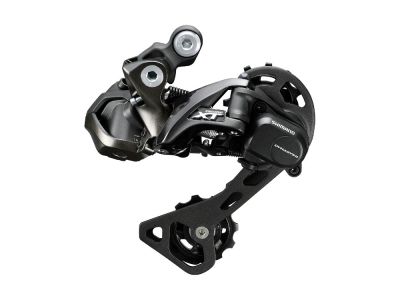
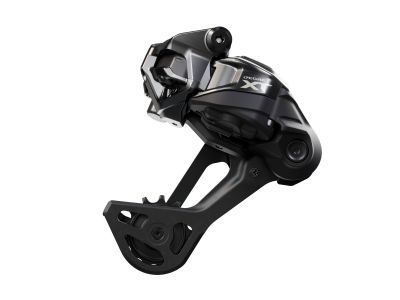
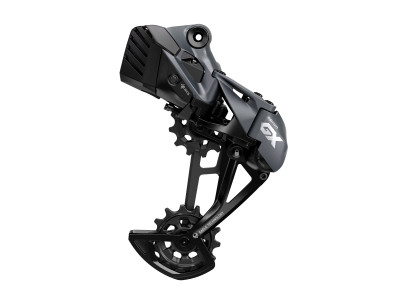
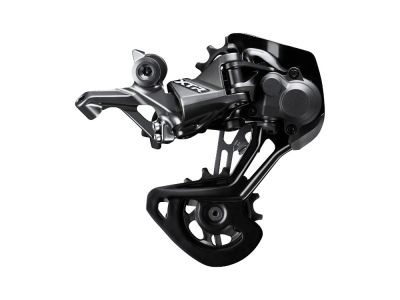
savings Shimano Deore XT RD-M8250-SGS Di2 rear derailleur, 12-speed
359 €
savings
RRP 519 €
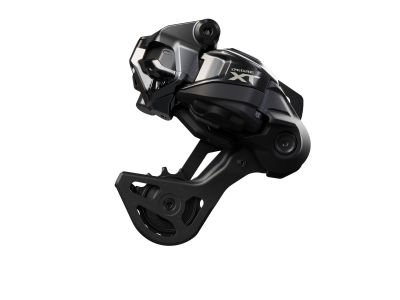
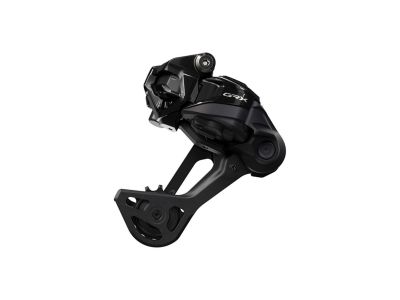

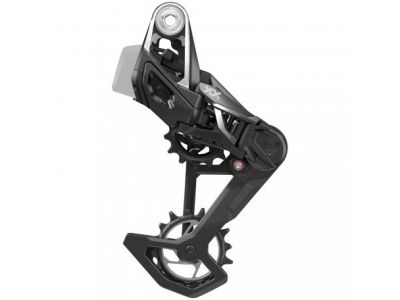
Sale -8% Shimano XTR RD-M9100-GS rear derailleur, 12-speed, Shadow+
239 €
-8%
RRP 319 €


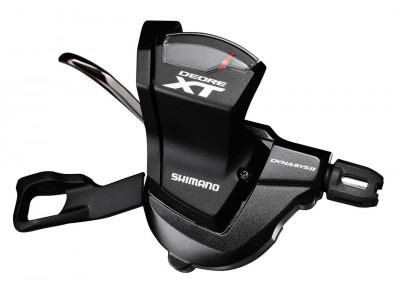
savings Shimano XT SL-M8000-R gear shift, 11-sp., right, with indicator
41.99 €
savings
RRP 71.99 €
savings Shimano XT SL-M8100 shift lever, right, 12-speed, I-Spec EV
43.99 €
savings
RRP 79.99 €
-5% Shimano Deore XT SL-M8100 shifting, 12-sp., right, clamp, OEM
37 €
-5%
RRP 65.99 €
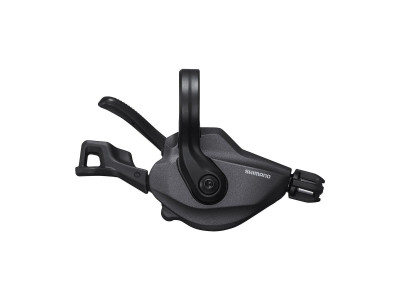
savings Shimano Deore XT SL-M8100 shift lever, 12-speed, right
41.99 €
savings
RRP 81.99 €
savings Shimano CN-HG601 chain, 11-speed, 116 links, with quick link
21.99 €
savings
RRP 36.99 €
savings Shimano CN-HG901 chain, 11-speed, 116 links, with quick link SM-CN900
36.99 €
savings
RRP 61.99 €
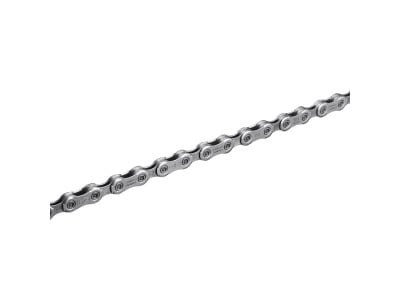
savings Shimano Deore XT CN-M8100 chain, 12-sp., 126 links + quick link
38.99 €
savings
RRP 57.99 €
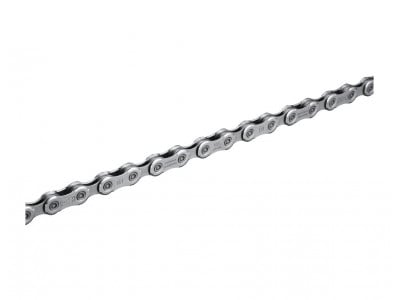
savings Shimano Deore CN-M6100 chain, 12-sp., 126 links, quicklink
21.99 €
savings
RRP 32.99 €
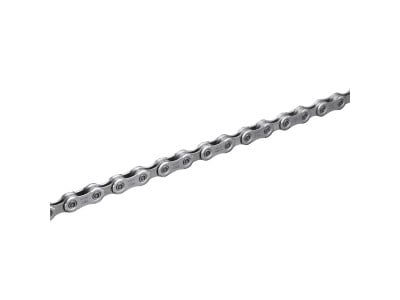
savings Shimano SLX CN-M7100 Chain, 12-speed, 126 links + Quick Link
27.99 €
savings
RRP 39.99 €
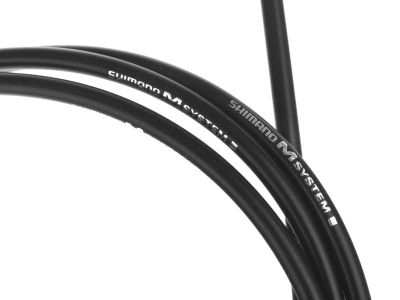
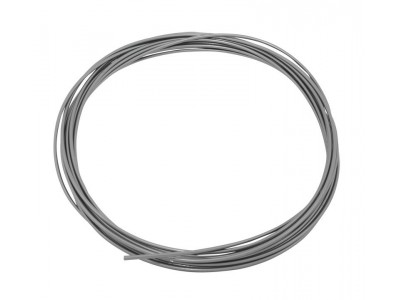
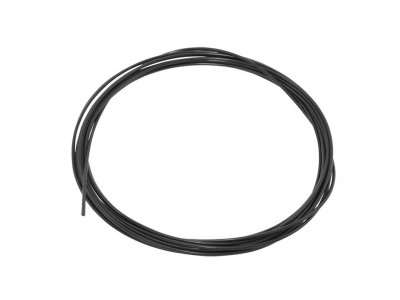

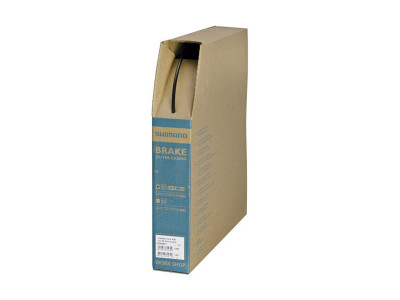
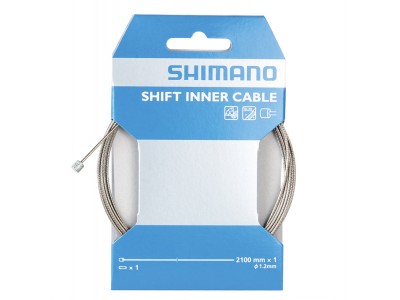
savings Shimano shift cable, Ø-1.2 x 2100 mm, stainless steel, with cable end cap
3.99 €
savings
RRP 6.99 €
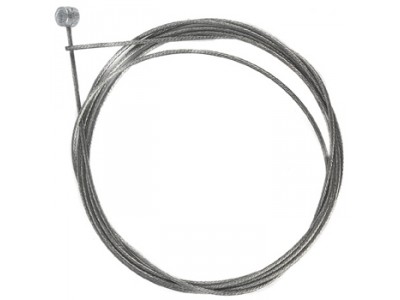
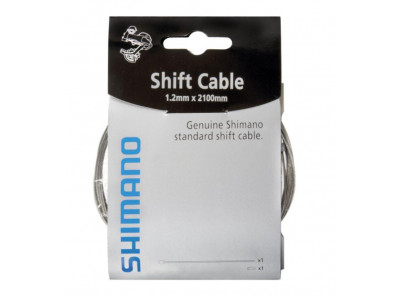
savings Shimano shift cable, Ø-1.2 mm x 2 100 mm, incl. cable end cap
2.19 €
savings
RRP 3.49 €
savings Shimano shift cable, Ø-1.2 x 2 100 mm, stainless steel
1.69 €
savings
RRP 2.49 €

We are the largest cycling e-shop in Slovakia, verified by 100,000+ customers.

We are available via e-mail, online chat, phone or in person at our MTBIKER stores.

Thanks to your order we can support cycling development.

The payment process is safe and we offer you a wide range of options.

We will reward you for your purchase and also for quality contributions in the MTBIKER forum, e-shop, trips and photo gallery.

Visit our store with a pump-track and trail access or our showroom in a historical bulding in central Bratislava.



 arrow_outward

There are currently no reviews