
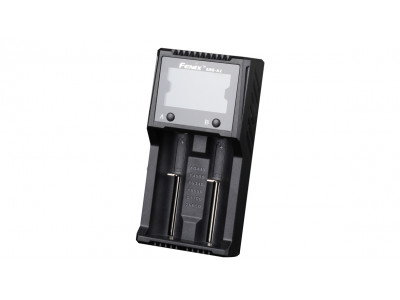
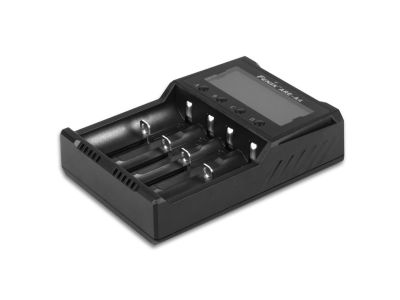
Fenix ARE-D2 (Li-ion, NiMH) USB charger
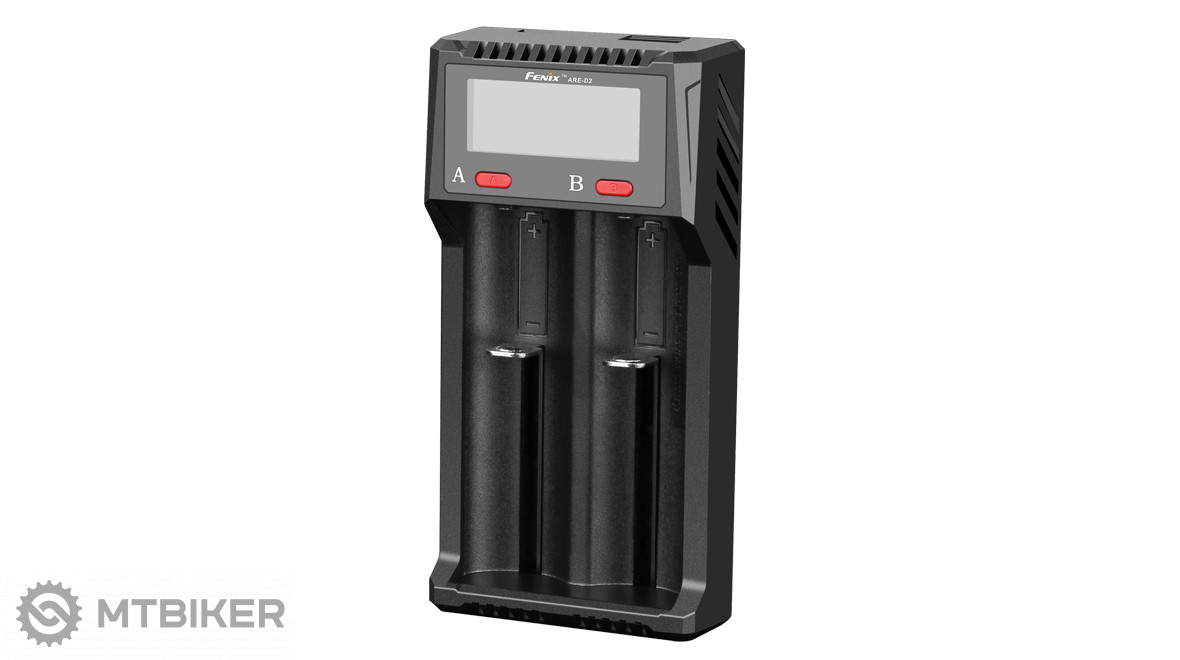
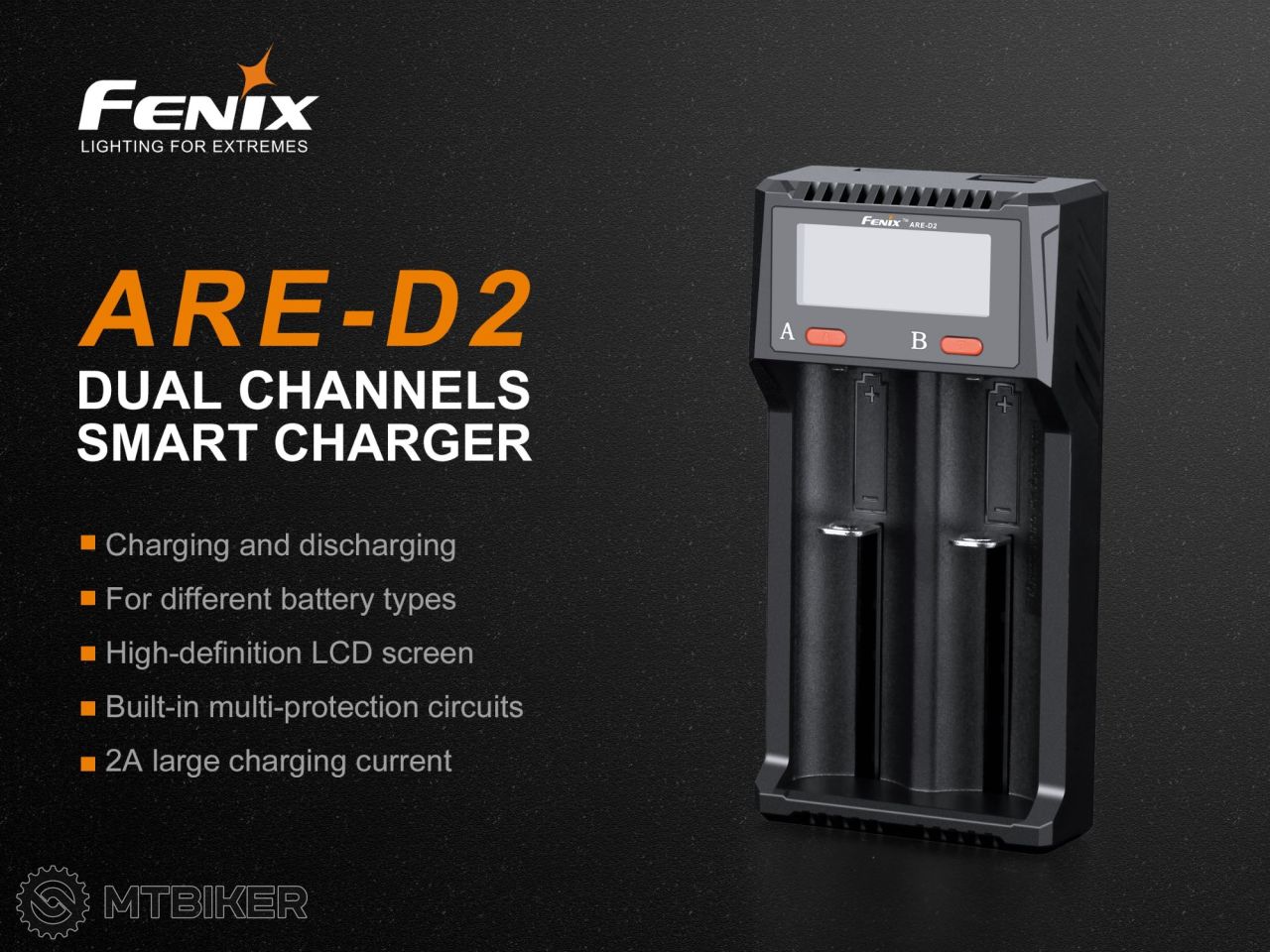
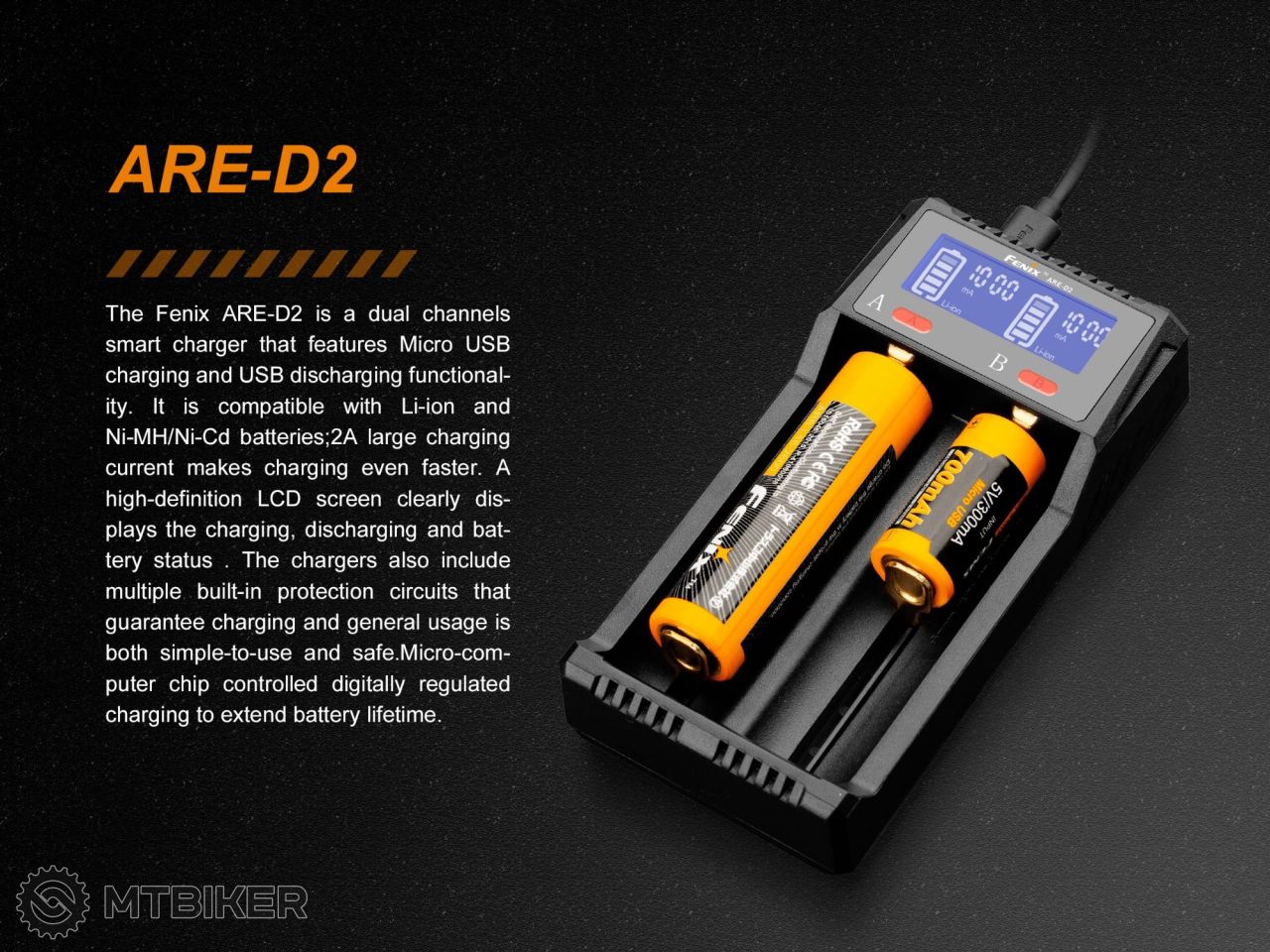
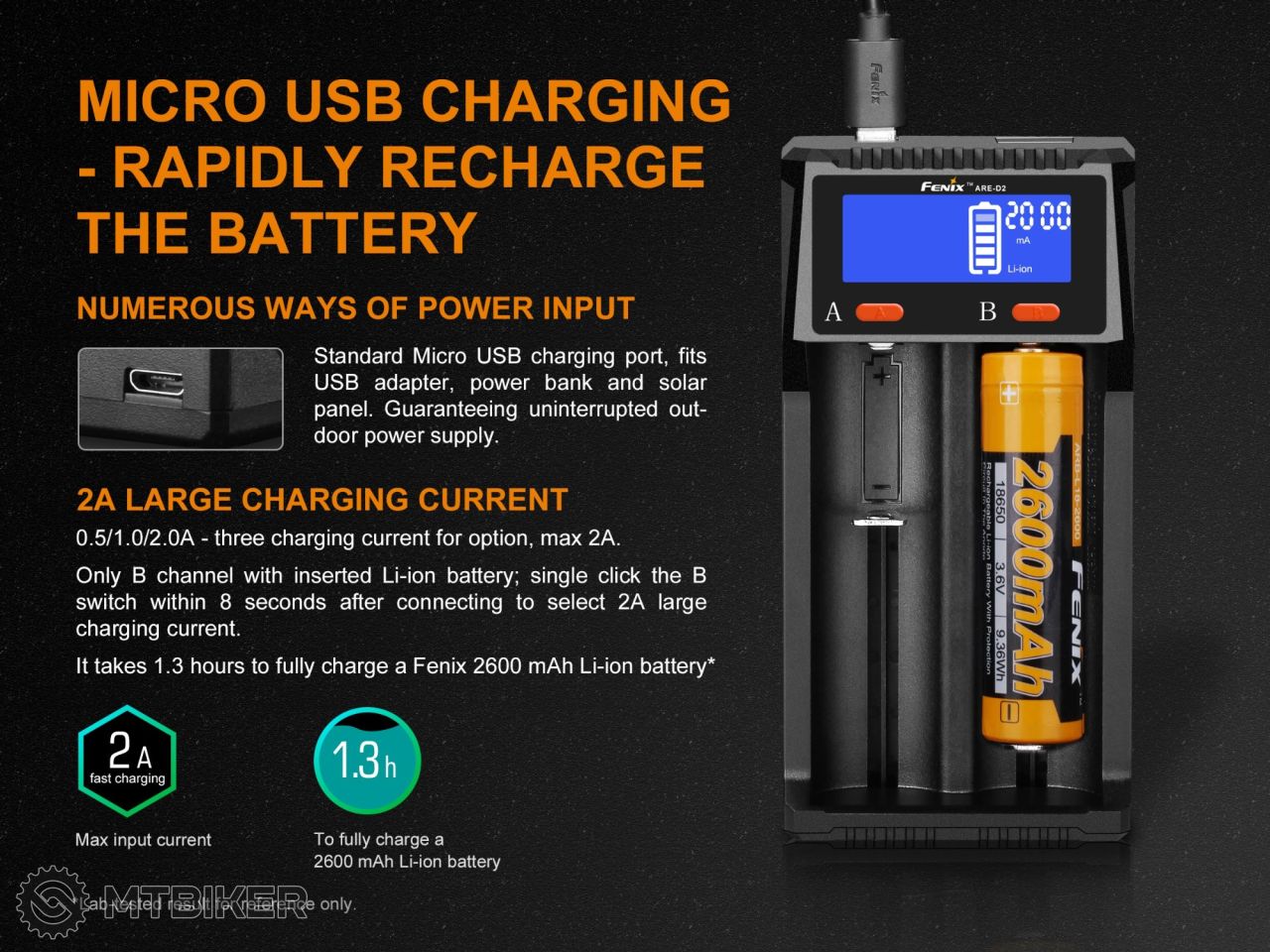
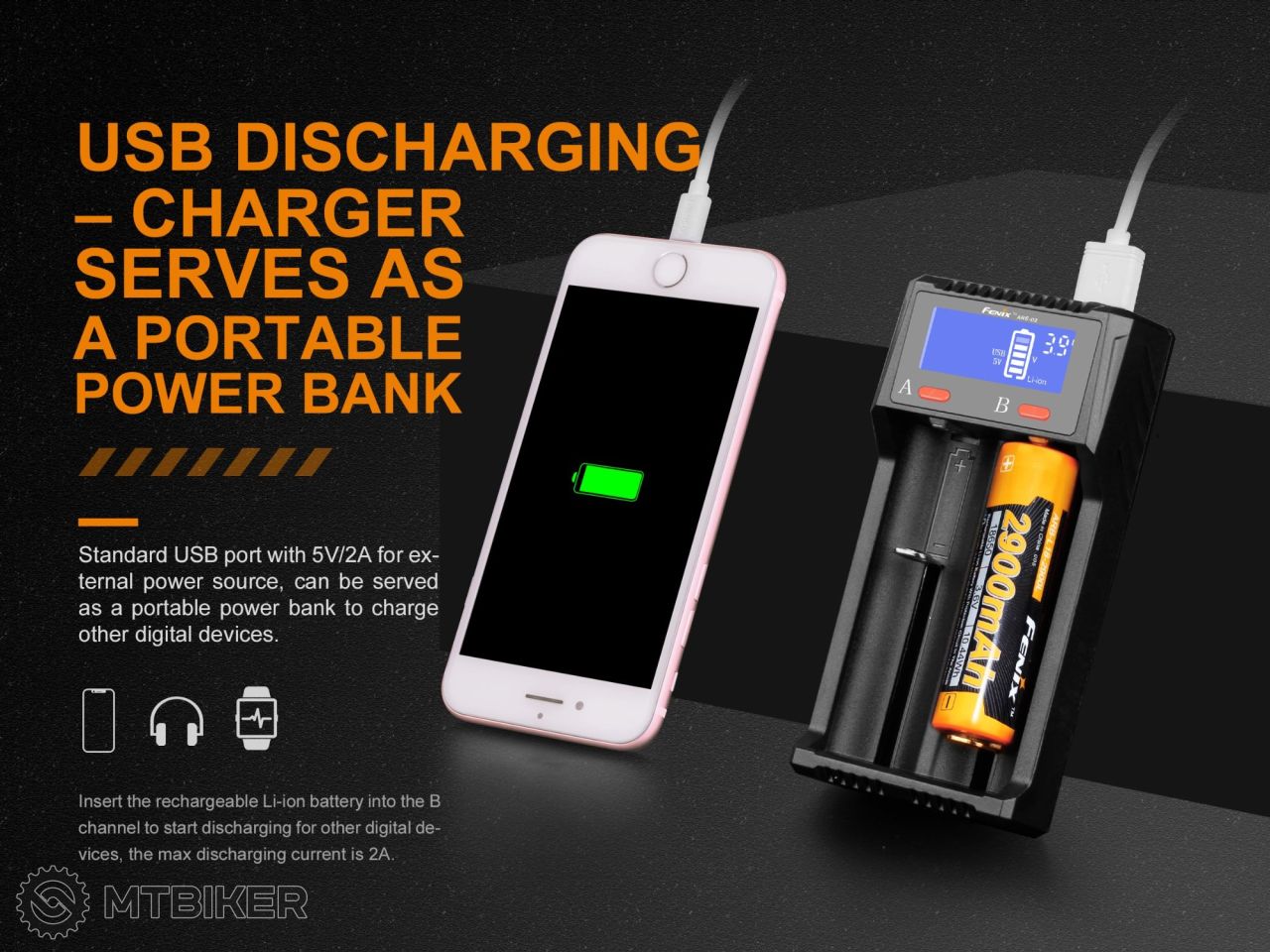






Compact dual-channel USB charger Fenix ARE-D2 for Li-ion and NiMH / NiCd batteries. When a charged Li-ion battery is inserted, it also functions as a backup power source (PowerBank) for charging USB devices (flashlights, mobile phones, MP3 players, and more). Thanks to its compact dimensions, the charger is particularly suitable for travel. It automatically recognizes the inserted battery type and selects the optimal charging algorithm. The charger is equipped with an LCD display that shows the current battery voltage, the type of batteries being charged, and other information. Each charging slot is monitored independently, allowing you to charge batteries of different sizes, capacities, and even different chemistries simultaneously (Li-Ion and NiMH / NiCd can be charged at the same time). For each slot, a charging current of 500 - 1000 - 2000 mA can be selected. The highest charging current can only be selected when charging a single battery.
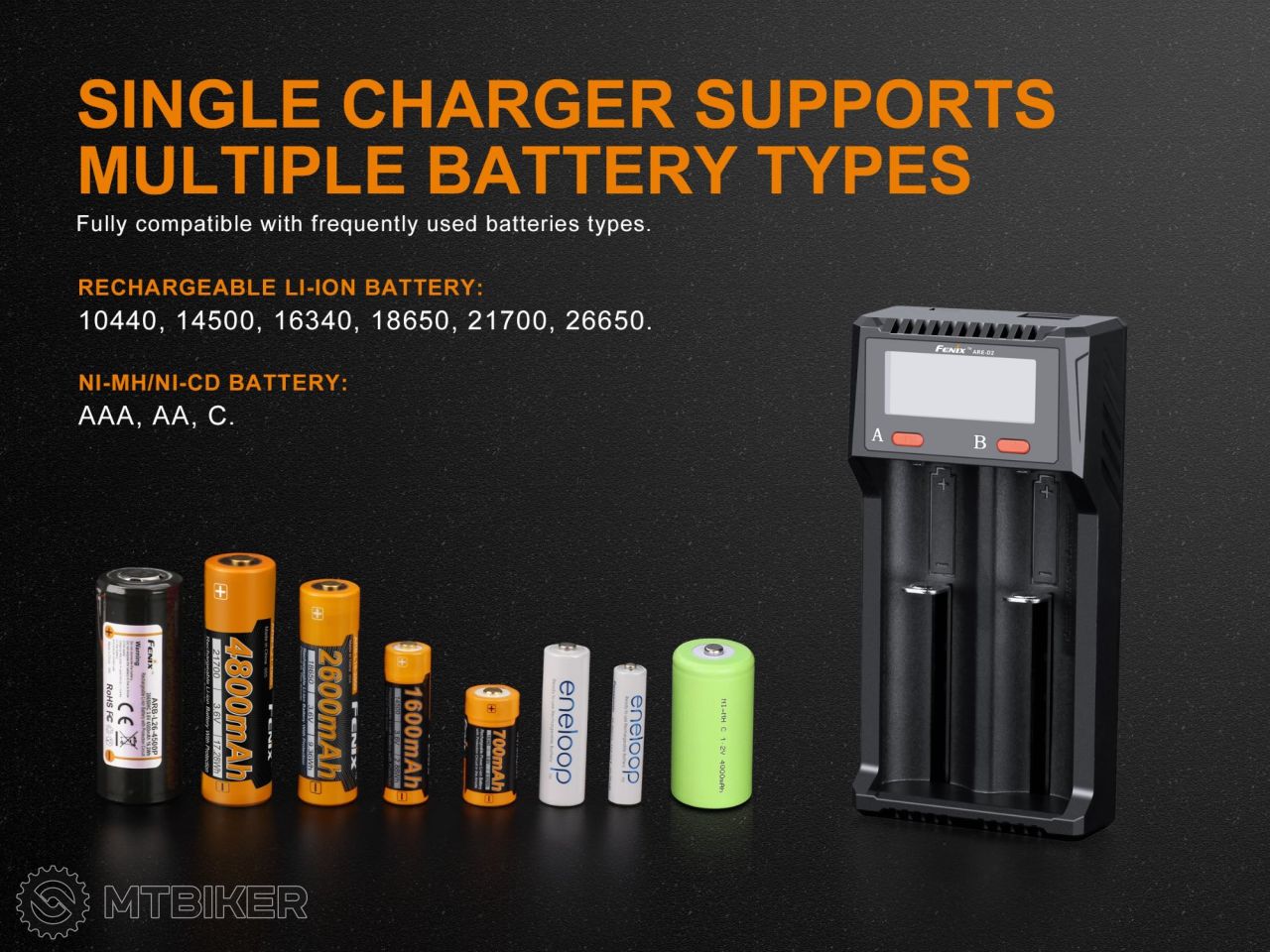
The charger can charge Li-ion batteries of the following types: 26650, 22650, 25500, 21700, 18650, 17670, 18700, 14650, 18500, 18490, 18350, 17500, 14500, 16340, RCR123 and NiMH batteries of size AAA, AA, C. The charger can also charge Li-ion 21700 and 20700 batteries with protection circuits.
USB Charger Parameters
- Two independently monitored charging channels, CC / CV charging algorithm.
- Three charging current levels - 500 mA, 1000 mA, and 2000 mA. The charging current can be selected for each channel separately. For NiMh / NiCd batteries, the maximum charging current is 1000 mA. A current of 2000 mA can only be used when charging a single battery in slot B.
- The charger can charge, for example, the following li-ion batteries: 26650, 21700, 18650 li-ion, 14500, 16340, RCR123. It can also charge high-quality rechargeable AA and AAA batteries.
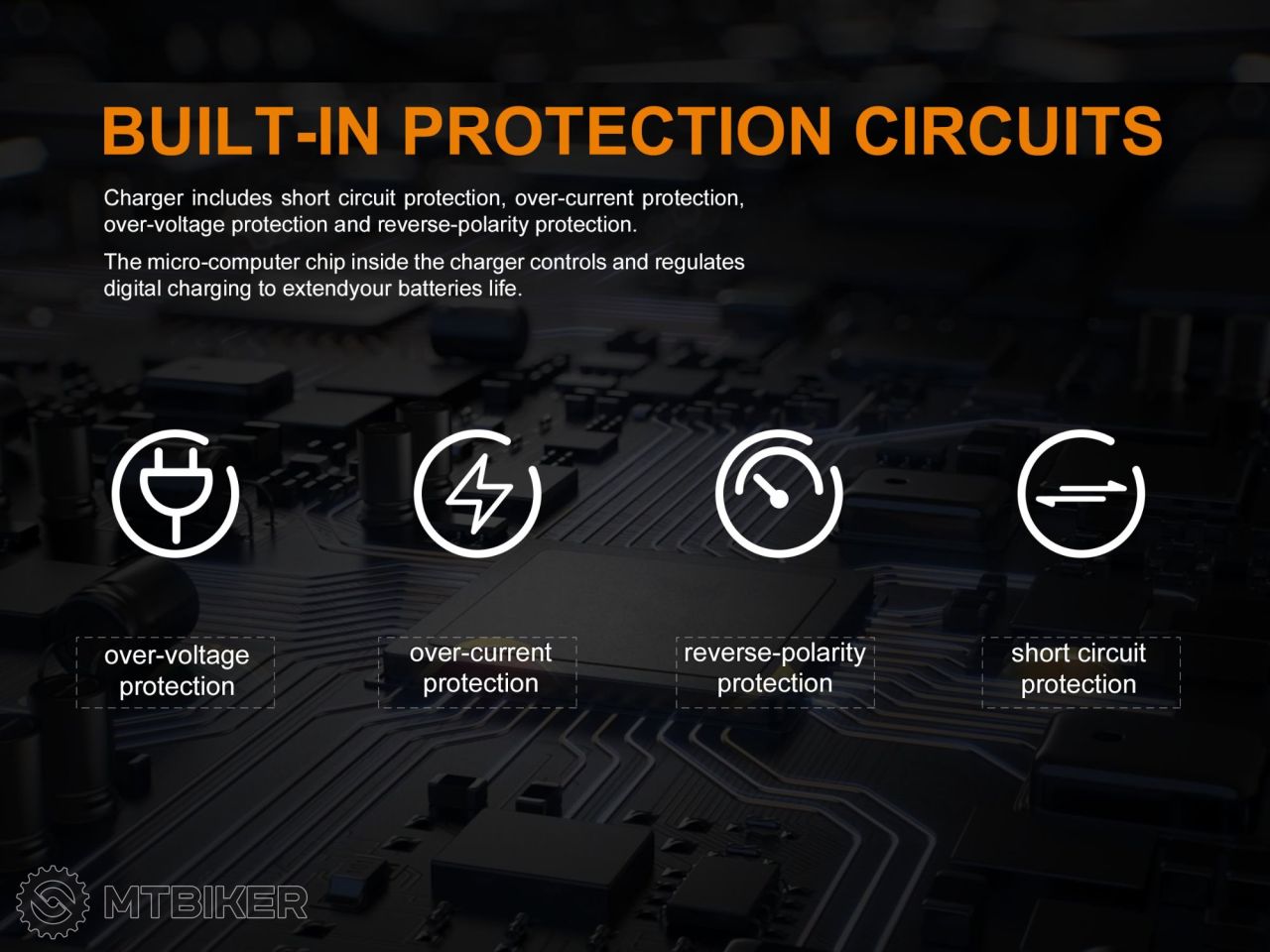
- Protection against reverse battery insertion, short circuit, overcharging, and over-discharging.
- Charger weight: 92 grams.
- Dimensions: 123 x 62 x 30 millimeters.
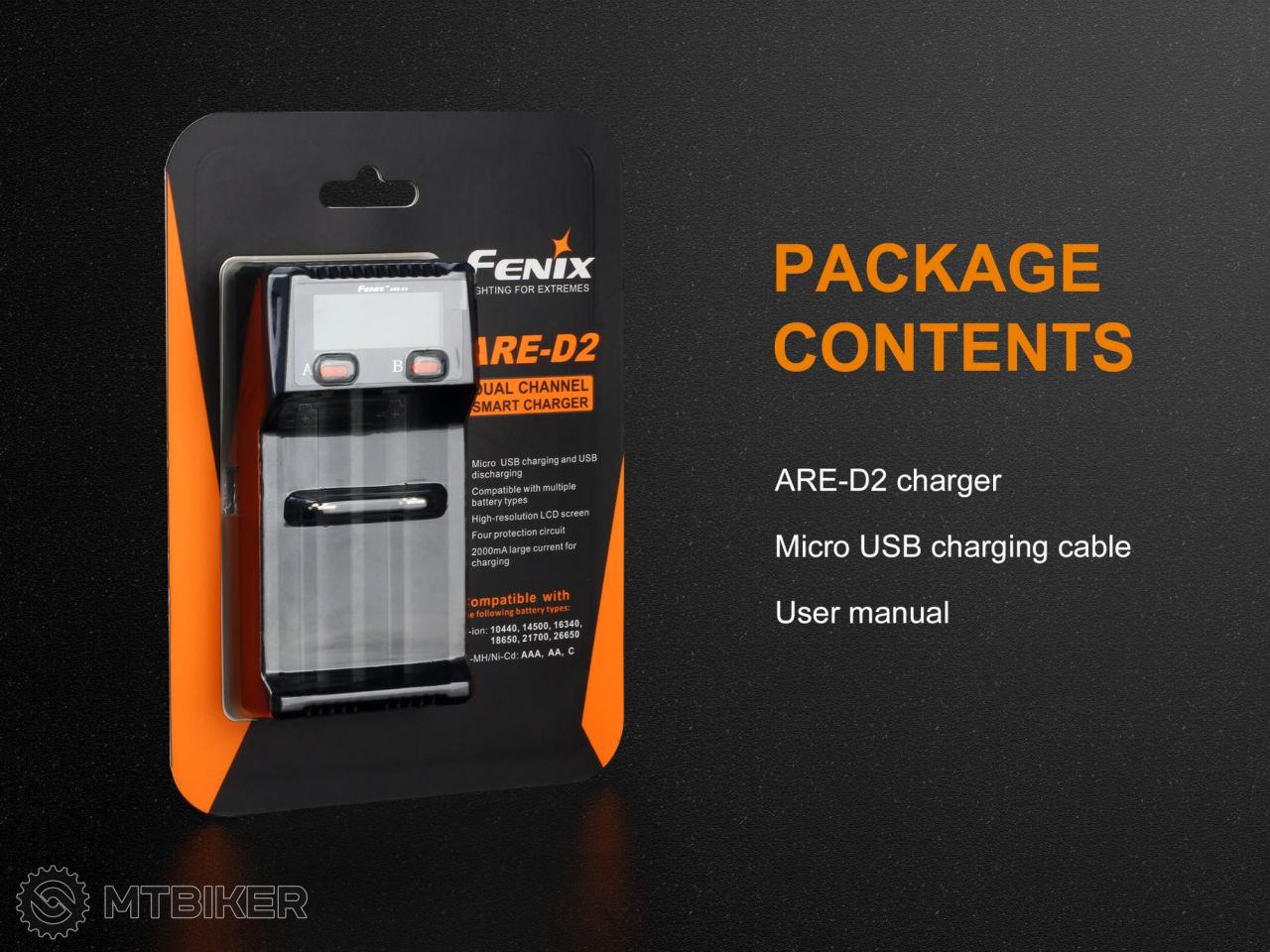
- Package includes: charger and USB cable.
Battery Charging
Connect the charger to a USB power source. The display will light up. After inserting the batteries, the display will show the battery type and charging status. The button is used to switch the charging current in the order: 1000 mA - 500 mA - 2000 mA. The charging current can be selected during the first 8 seconds of charging (the battery icon on the display flashes).
Charging USB Devices (Use as a Backup USB Power Source)
Insert a charged battery into the charger (into slot B). Connect the USB cable to the output USB port and connect the device to be charged. Press and hold button B for 2 seconds to activate the power bank function in low current mode (100 mA). Pressing and holding again activates the full current draw. During charging (e.g., a mobile phone), USB 5V will appear on the display.
Notice
- Do not charge Li-ion cells that have been excessively discharged (below 2V).
- When using the charger, observe safety precautions.
- We recommend using high-quality batteries.
- Not intended for charging LiFePO4 batteries.
Weight: 92 g
| product ID | 131889 |

 CVV • 27 december 2024 at 18:23

Average brand rating in the category
 Most popular brand

All the answers to questions about delivery, payment, security, returns, warranty and much else.
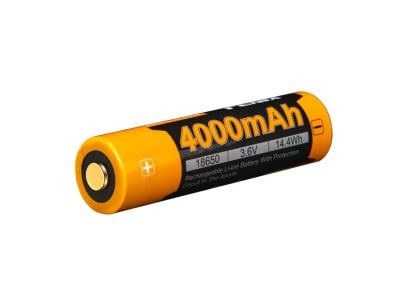
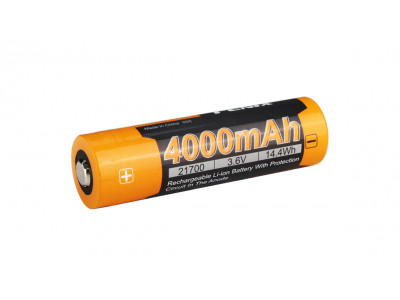
Sale -11% Fenix 21700 High-Current Battery, 4000 mAh, (Li-Ion)
22.99 €
-11%
RRP 25.99 €


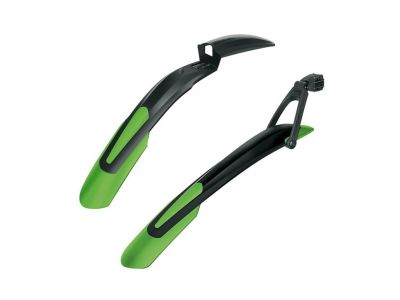
Sale savings SKS Blade mudguard set, 29"/27.5"+, black/green
32.99 €
savings
RRP 47.99 €


We are the largest cycling e-shop in Slovakia, verified by 100,000+ customers.

We are available via e-mail, online chat, phone or in person at our MTBIKER stores.

Thanks to your order we can support cycling development.

The payment process is safe and we offer you a wide range of options.

We will reward you for your purchase and also for quality contributions in the MTBIKER forum, e-shop, trips and photo gallery.

Visit our store with a pump-track and trail access or our showroom in a historical bulding in central Bratislava.



 arrow_outward
