
Shimano SMBCR2 battery charger, Di2
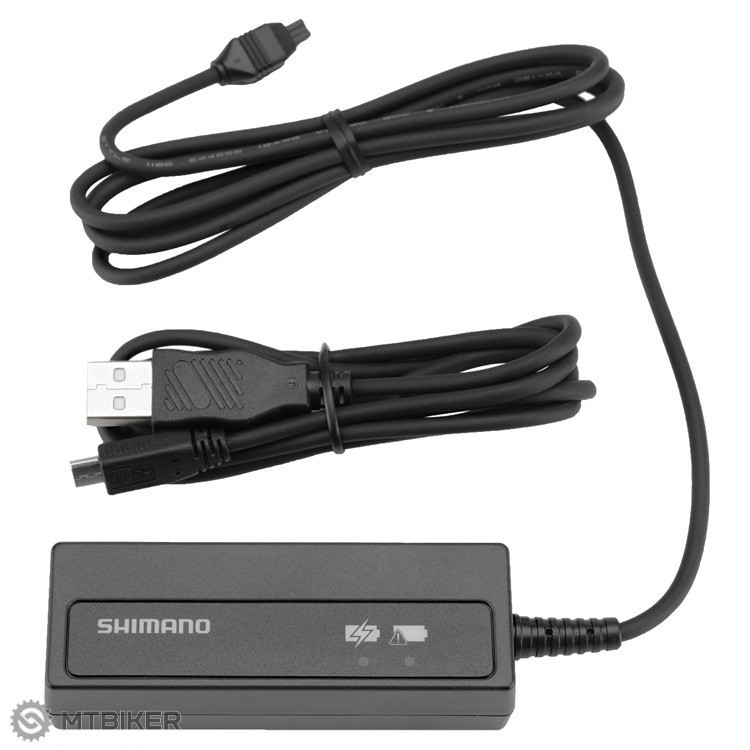




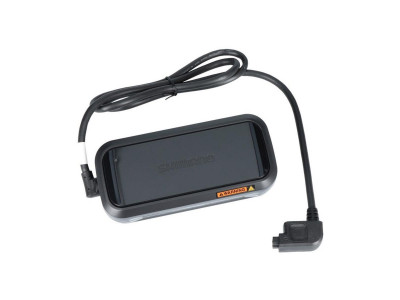
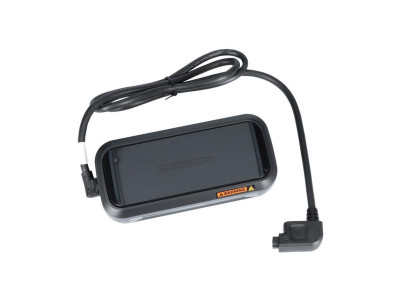
Shimano SMBCR2 battery charger
It is intended for charging SHIMANO Di2 internal batteries.|
The SM-BCR2 charger is compatible with SMBTR2, BTDN1101, BTDN110A
|
|
It also serves as a PC interface device for E-TUBE PROJECT firmware updates and settings
|
| product ID | 4936 |

 •
•
 dobry den. mate aj ten adapter do zasuvky (mal som klasicku eu verziu na 220v ale stratil som to) myslim to do coho sa vopcha ten usb kabel. da sa to kupit ? dik miso
 •
•
Dobrý deň,
tento diel sa žiaľ nedá zakúpiť samostatne, ale len ako komplet nabíjačka. Dostupný osobitne je len samotný kábel : http://si.shimano.com/pdfs/ev/EV-SM-BCR2-3639.pdf
•
Dobrý deň, dá sa kúpiť samostatne len nabíjací kábel? Mám dura ace di2 2x11, pinarello dogma F12 2021.Dakujem.
 •
•
Dobry den,
zial nie, dostupna je u vyrobcu len tato komplet nabijacka, samostatny kabel potom az pre 12-rychlostne modely RD-R9250 / RD-R8150 / FC-R9200-P / FC-R8100-P - https://www.mtbiker.sk/shop/komponenty/sady-a-elektro/prislusenstvo-k-elektronickym-sadam/shimano-ew-ec300-nabijaci-kabel-1500-mm.html.
 •
•
Da sa to vyzdvihnut hned priamo na predajni?
•
Dobrý deň,
Pri objednávke si môžete zvoliť osobné prevzatie na predajni v Hrádku. Keď bude tovar u nás pripravený na prevzatie tak Vás budeme informovať.
WARNING
For installation, adjustment and replacement information not found in the user's manual, consult your place of purchase or a distributor. A dealer's manual for professional and experienced bicycle mechanics is available on our website (https://si.shimano.com).
For safety, be sure to read this "user's manual" thoroughly before use, follow it for correct use, and keep it in a safe place for later reference.
The following directions must be always followed in order to prevent personal injury, damage to equipment or damage to the surroundings. The directions are classified according to the degree of danger or damage which may occur if the product is used incorrectly.
DANGER - Failure to follow the directions will result in death or serious injury.
WARNING - Failure to follow the directions could result in death or serious injury.
CAUTION - Failure to follow the directions could cause personal injury or physical damage to equipment and surroundings.
DANGER
- Do not allow the charger to get wet or use it when it is wet, and do not touch or hold it with wet hands. Failure to do so may result in operating problems or electric shock.
- Do not cover the charger with cloth or similar materials during use. Failure to do so may result in heat buildup, deformation of the case, fire, or overheating.
- Do not disassemble or modify the charger. Failure to do so may result in electric shock or injury.
- Use a USB port AC adapter with a voltage of DC 5.0 V and a current rating of at least DC 1.0 A. If you use an AC adapter with a current rating of less than DC 1.0 A, the AC adapter may heat up, resulting in fire, smoking, overheating, damage, electric shock, or burns.
WARNING
- Do not use any USB cables other than the USB cable included with the unit for connecting to a PC. Charging failure, fire, or failure of the connected PC due to heating may occur.
- Always grasp the cable plug when connecting or disconnecting the USB cable or charging cable. Failure to do so may result in fire or electric shock. If the following symptoms occur, stop using the unit and consult your dealer. Fire or electric shock may occur.
- If a pungent odor is emitted from the AC plug or the AC plug becomes hot, there may be a poor connection inside the AC plug.
- If thunder is heard during charging with the AC adapter and USB port, do not touch the devices, bicycle, or AC adapter. Electric shock may result from lightning strikes.
- Use a USB port AC adapter with a voltage of DC 5.0 V and a current rating of at least DC 1.0 A. If an AC adapter with a current of less than DC 1.0 A is used, charging failure may occur, or the AC adapter may overheat, resulting in fire.
- Do not use a USB hub to connect the cable to the PC's USB port. Charging failure or fire due to overheating may occur.
- Be careful not to damage the charging cable. (Do not damage, modify, forcibly bend, twist, or pull them, place them near hot objects, place heavy objects on them, or bundle them tightly.) Using them in a damaged state may result in fire, electric shock, or short circuits.
- After carefully reading the user's manual, store it in a safe place for future reference.
CAUTION
- Disconnect the USB cable or charging cable when performing maintenance.

Average brand rating in the category
 Most popular brand

All the answers to questions about delivery, payment, security, returns, warranty and much else.

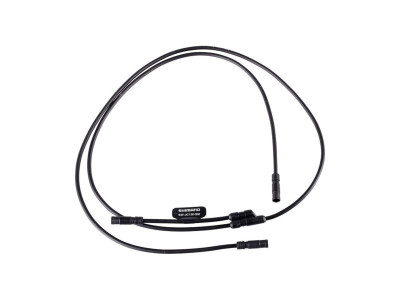
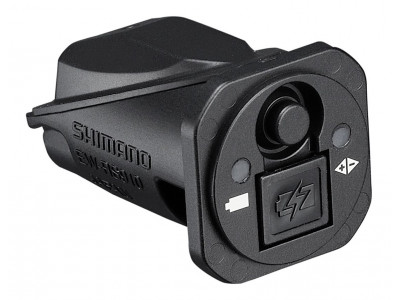

savings Shimano BT-DN320 derailleur battery, Di2 wireless
41.99 €
savings
RRP 63.99 €
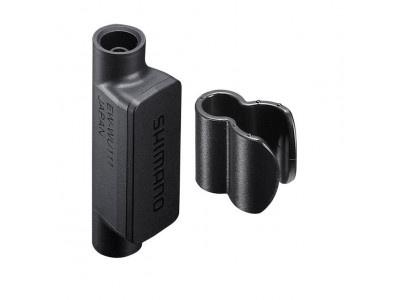
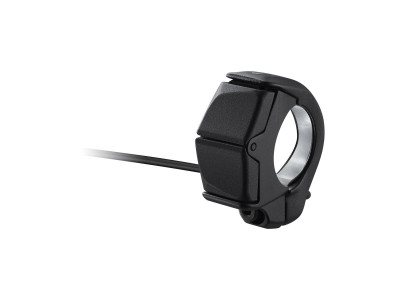
Shimano E7000 right switch for derailleur control with 300mm cable
73.99 €
RRP 85.99 €



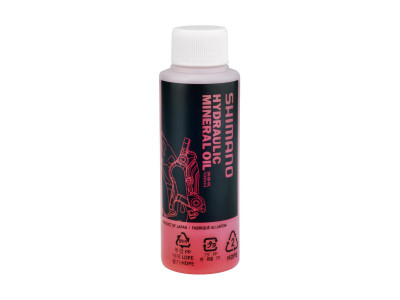
savings Shimano mineral oil for hydraulic brakes, 100 ml
8.99 €
savings
RRP 12.99 €








We are the largest cycling e-shop in Slovakia, verified by 100,000+ customers.

We are available via e-mail, online chat, phone or in person at our MTBIKER stores.

Thanks to your order we can support cycling development.

The payment process is safe and we offer you a wide range of options.

We will reward you for your purchase and also for quality contributions in the MTBIKER forum, e-shop, trips and photo gallery.

Visit our store with a pump-track and trail access or our showroom in a historical bulding in central Bratislava.





 arrow_outward

 Zatial bez chyb
Translate by GoogleShow the original funguje ako ma
Translate by GoogleShow the original