
Shimano Deore XT M8250 Upgrade set, SGS/clamp, no cranks
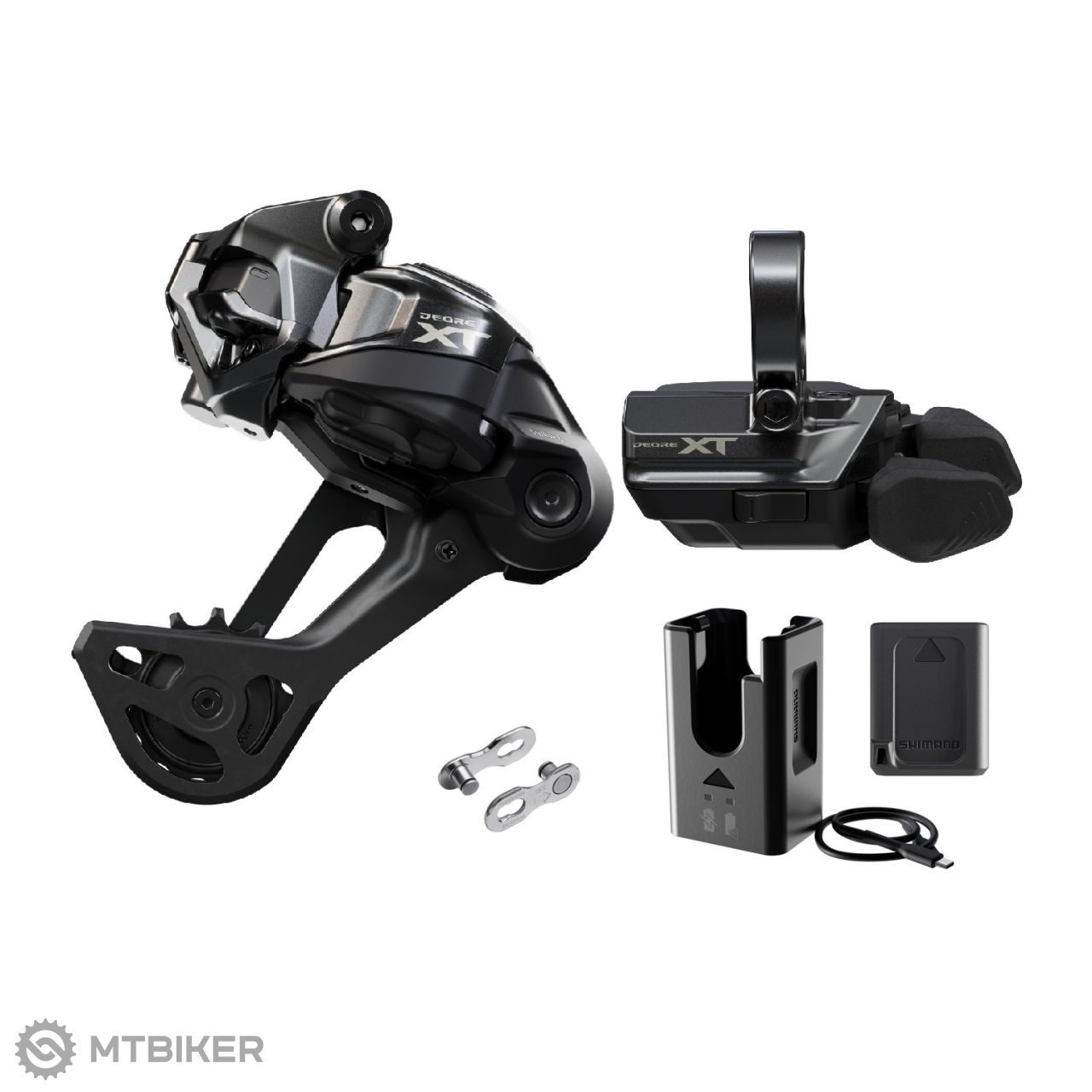
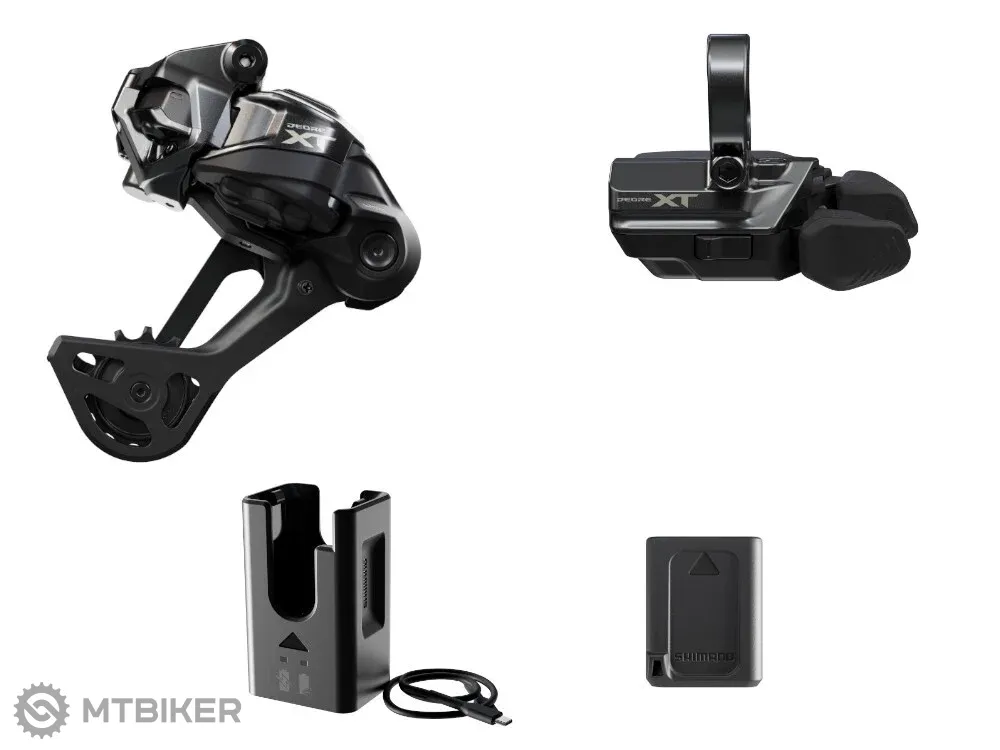

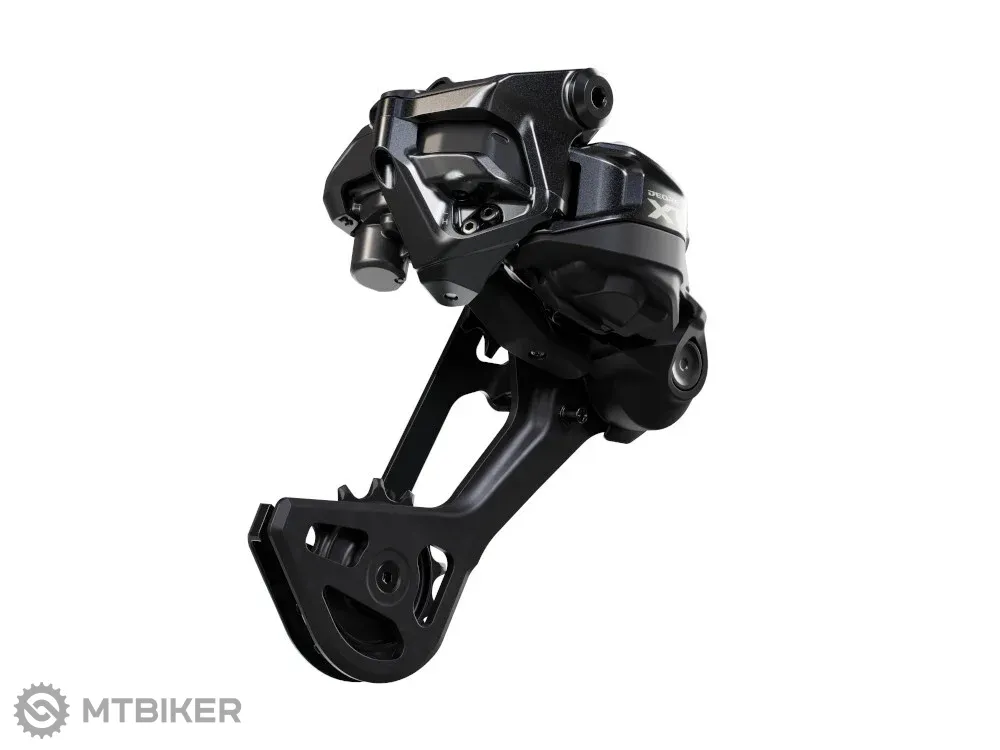
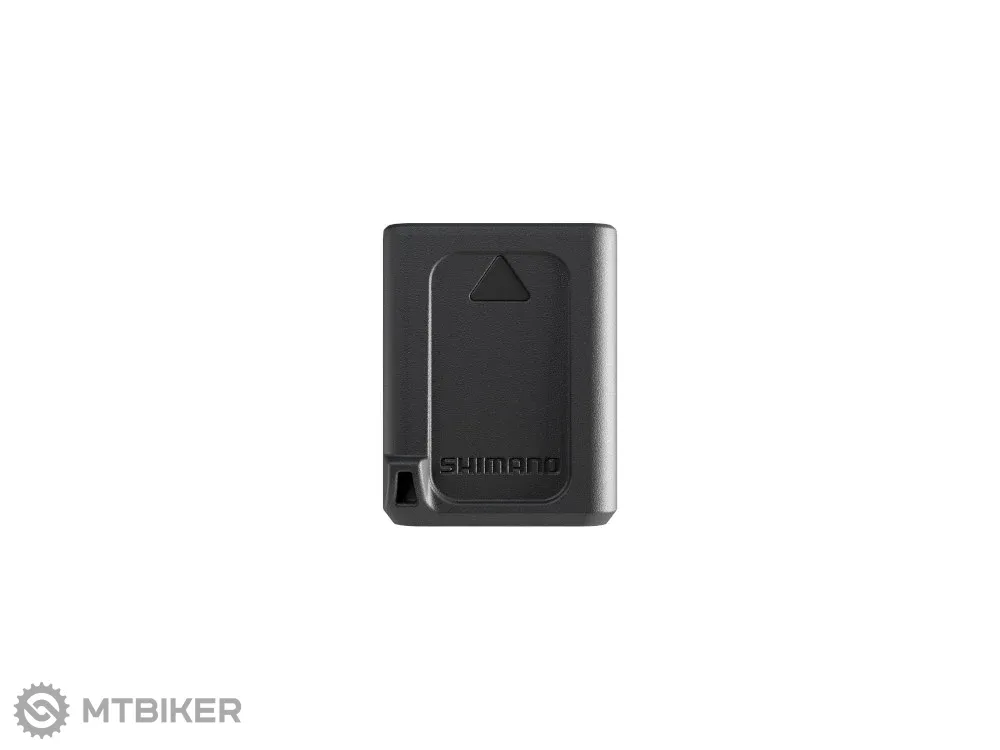
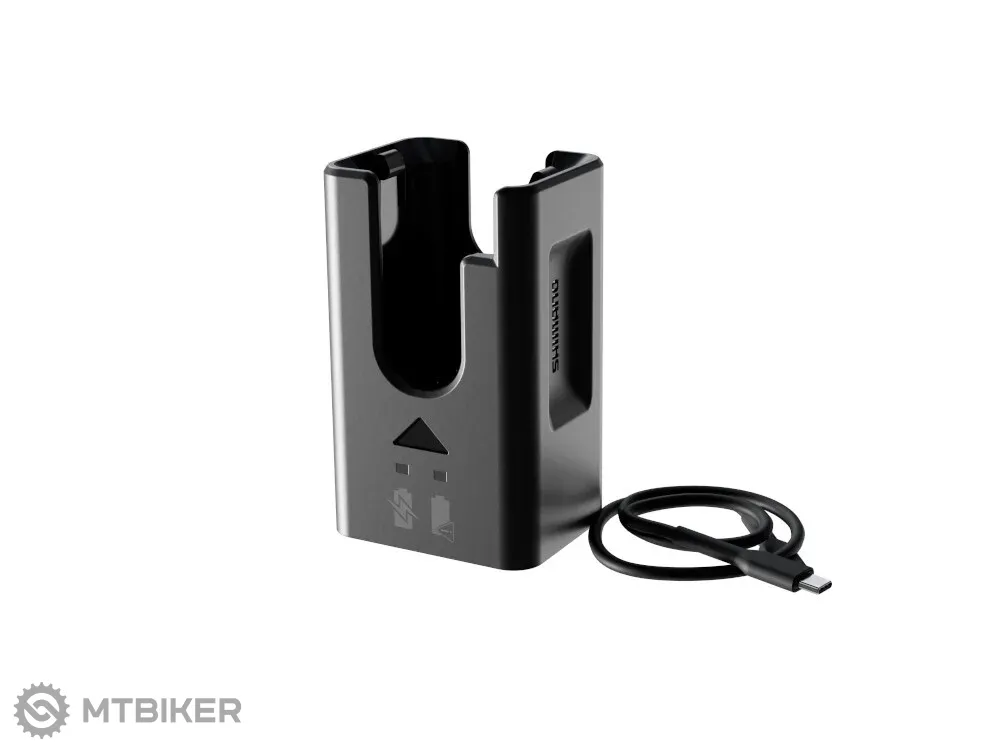




Shimano Deore XT M8250 Upgrade kit
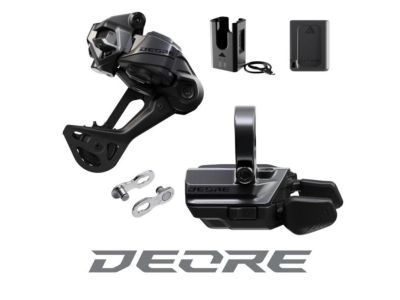
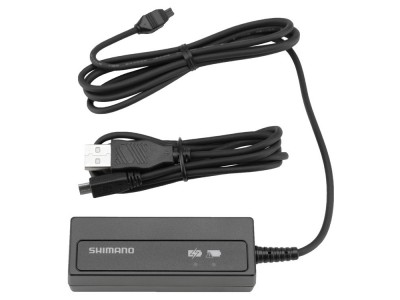
If you are already the proud owner of a Shimano 12-speed groupset, you can use this upgrade kit to bring your bike up to the latest technical standard without having to do a complete rebuild. It contains all the components you need to immediately enjoy all the benefits of wireless shifting comfort.The set consists of:
|
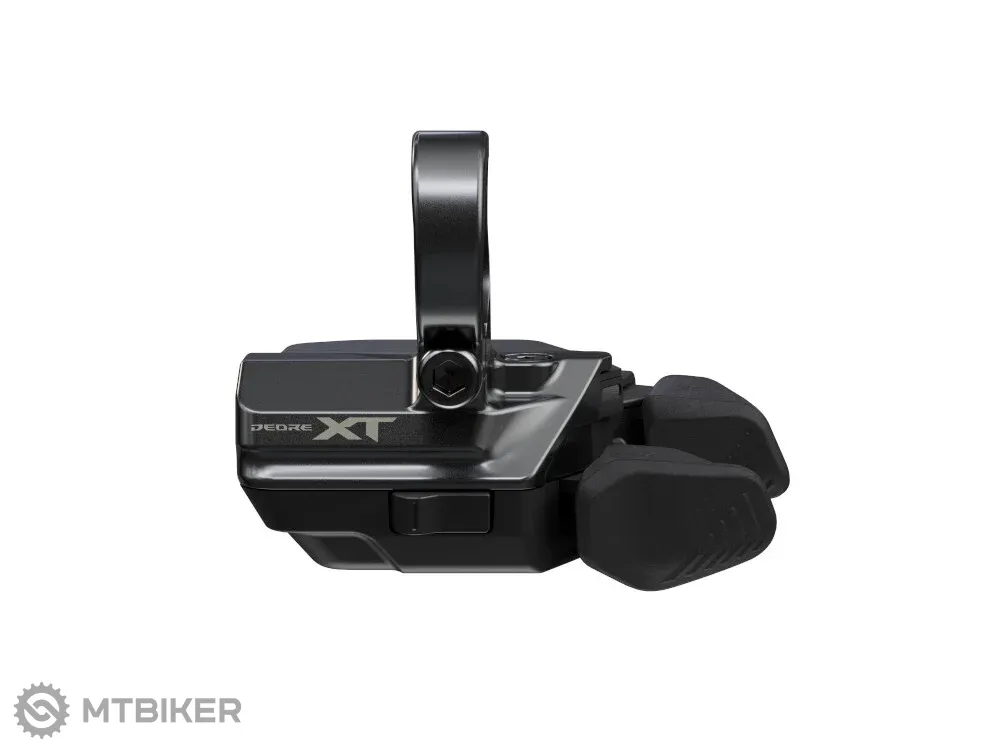
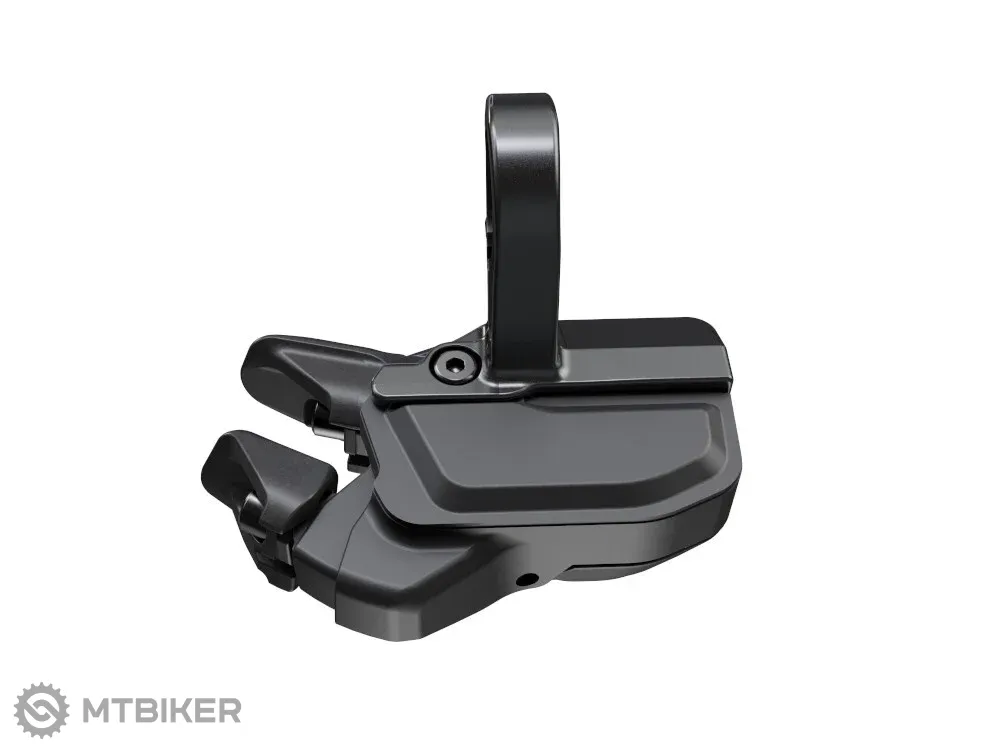
High-quality Deore XT shifting with Shimano Rapid ES technology with clamp mounting
|
|
The Shadow ES derailleur delivers a slim design and prevents uncontrolled chain banging on rough roads
|
|
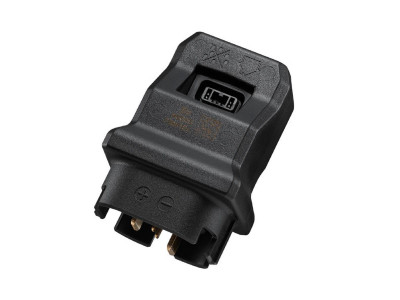
Small 305 mAh battery plugs directly into the rear derailleur, charger included
|
| Weight | 600 g |
| Cage type | long strap - SGS |
| Mounting type | clamp |
| Compatibility | cassette with a range of 10-51 teeth |
| product ID | 352973 |

 •
•
 Dobrý den,
v popisu produktu je uvedeno na objímku, ale níže ve specifikaci je
"Kvalitné radenie Deore XT s technológiou Shimano Rapid ES s montážou I-Spec EV", tedy uchycení na brz. páku. Jak to tedy je?
Děkuji
•
Dobrý deň,
ďakujem za dotaz - už sme to opravili. Sada je na objímku.
 •
edit
•
edit
 Dobry den, bude tato sada fungovat ak mam kazetu SRAM GX Eagle XG-1275 10-52z ? Alebo musim vymenit aj kazetu?
 •
•
Dobrý deň, nie, pre optimálnu funkčnosť a hladkosť radenia odporúča Shimano používať HG+ kazety a určite s rozsahom po max. 51T pastorok.
 •
•
Dá sa to malé programovatelné tlačidlo spárovať s cyklopočítačom Shimano SC-EM800 na e-biku?
 •
•
Dobrý deň. Áno, tlačidlu je možné priradiť ovládanie SC-EM800, ale iba pre ovládanie e-bike funkcií Shimano systému – nie ako plnohodnotné tlačidlo ovládania pre cyklopočítač.
 •
•
Dobrý
Budete mať takúto sadu aj bez baterky čo sa napája priamo na E Bike ?
Dik
 •
•
Dobrý deň,
Aktuálne dodávateľ nemá požadovaný produkt v ponuke, preto Vám, žiaľ, nedokážeme poskytnúť presný termín jeho zaradenia do ponuky .
•
Dobrý deň , bude to fungovat s kazetou e thirten 9 - 50 .
•
Dobry den, zial zatial skusenost nemame - E.13 aktualne este kompatibilitu s touto sadou neuvadza: https://support.ethirteen.com/hc/en-us/articles/360033560352-How-to-Set-up-12-Speed-e-thirteen-9-46T-9-50T-9-52T-or-13-52T-cassettes-with-Shimano-12-Speed-Drivetrains.
•
Je možné kúpiť aj sad s páčkou I-SPEC EV
•
Dobrý deň,
Mrzí nás to ale takáto verzia momentálne nie je dostupná.
•
Dobry den, je vhodna na kazetu 10 - 51?
•
Dobrý deň,
Áno SGS verzia je určená pre kazetu 10-51z
•
Akú patku treba použiť keď mám UDH?
•
Dobrý deň,
Pokiaľ máte UDH pätku, prehadzovačka je kompatibilná a je ju možné priamo na pätku uchytiť.
Ak máte momentálne Sram T-type prehadzovačku s uchytením priamo na ráme bez pätky, bude potrebné dokúpiť pätku a sedieť bude táto:
https://www.mtbiker.sk/shop/komponenty/ramy-a-patky/patky-a-prislusenstvo/sram-udh-patka-ramu-p98041.html
WARNING
For assistance with installation, adjustment, and replacement of products not found in the user's manual, please consult the place of purchase or a distributor. A dealer's manual intended for professional and experienced bicycle mechanics is available on our website (https://si.shimano.com).
For safety, be sure to read this "user's manual" thoroughly before use, follow it for correct use, and save it so that you can refer back to it at any time.
The following directions should always be followed in order to prevent personal injury, damage to equipment, or damage to the surrounding area. The directions are classified according to the degree of danger or damage that may occur if the product is used incorrectly.
DANGER – Failure to follow the directions will result in death or serious injury.
WARNING – Failure to follow the directions could result in death or serious injury.
CAUTION – Failure to follow the directions could result in personal injury, or physical damage to equipment and the surrounding area.
For items that require replacement, be sure to consult the place of purchase or a distributor.
Be sure to observe the following directions in order to prevent burns and other injuries due to fluid leakage, overheating, fire, or explosion.
DANGER
- Use the specified charging cable when charging the battery. Use of any other item may lead to fire, overheating, leakage, or damage to the connected PC.
- Prevent the charging cable from getting wet, and do not touch or hold it when it is wet or if your hands are wet. Failure to do so may result in problems with operation or electric shock.
- Use an AC adapter with a USB port with a voltage of DC 5.0 V and a current rating of at least DC 1.0 A. If you use an adapter with a current rating of less than 1.0 A, the AC adapter may heat up, and fire, smoking, overheating, damage, electric shock, or burns may occur.
- Do not heat the battery or expose it to flame. Failure to do so may result in the battery igniting or bursting.
- Do not use or leave the battery in hot or humid locations where the battery may be exposed to direct sunlight, in a closed vehicle on a hot day, or near a heater. Failure to do so may result in leakage, overheating, or bursting, which may result in fire, burns, or other injuries.
- Do not deform, modify, or disassemble the battery. Also, do not directly apply solder to the battery terminals. Failure to do so may result in leakage, overheating, or bursting, which may result in fire, burns, or other injuries.
- Do not allow metal terminals to come into contact with metal objects such as hairpins. Failure to do so may result in short-circuiting, overheating, burns, or other injuries.
WARNING
- Do not disassemble or modify the product. This may cause the product to not operate correctly, and you may fall unexpectedly and suffer serious injury.
- Always grasp the cable plug when connecting or disconnecting the USB cable or charging cable. Failure to do so may result in fire or electric shock.
- If the following symptoms occur, stop using the device and contact the place of purchase. Fire or electric shock may occur.
- If a pungent smoke is emitted from the AC plug or the AC plug is hot. There may be a poor connection inside the AC plug.
- If thunder is heard during charging with the AC adapter with USB port, do not touch the device, bicycle, or AC adapter. Electric shock may occur due to lightning strike.
- Do not use a USB hub to connect the cable to the PC's USB port. Charging failure or fire due to overheating may occur.
- Be careful not to damage the charging cable. Do not damage it, modify it, forcibly bend, twist, or pull it, place it near hot objects, place heavy objects on it, or tightly bundle it together. If it is used in a damaged state, fire, electric shock, or short-circuiting may occur.
- If the battery is not fully charged after 4 hours of charging, stop charging. Failure to do so may result in fire, bursting, ignition, or overheating.
- Do not immerse the product in fresh or salt water, and prevent the terminals from getting wet. Failure to do so may result in fire, bursting, ignition, or overheating.
- Do not subject the product to strong impact or throw it. Failure to do so may result in bursting, overheating, or problems during operation.
- Do not use the battery if it exhibits fluid leakage, discoloration, deformation, or other abnormal signs. Failure to do so may result in bursting, overheating, or problems during operation.
- Clean the chain and QUICK-LINK regularly with an appropriate chain cleaner. Maintenance intervals depend on usage and riding circumstances. Never use alkali or acid based solvents such as rust removers. If such a solvent is used, the chain or QUICK-LINK may break and cause serious injury.
- Check that the chain is not damaged (deformation or cracking), skipping, or exhibiting any other abnormalities such as erratic shifting. If any problems are found, consult the place of purchase or a distributor. The chain may break and you may fall.

Average brand rating in the category
 Second most popular brand

All the answers to questions about delivery, payment, security, returns, warranty and much else.

savings Shimano Deore M6250 Di2 upgrade set, SGS/I-spec EV, no cranks
429 €
savings
RRP 629 €

-9% Shimano XTR RD-M9250-SGS upgrade set, clamp, without crankset
709 €
-9%
RRP 999 €
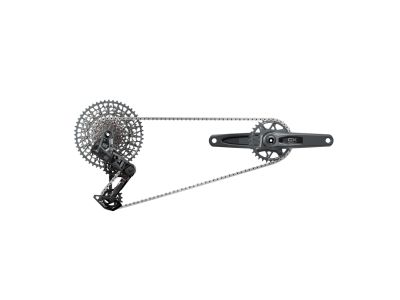
savings SRAM GX AXS Transmission DUB set, crankset 175 mm, 32T, cassette 10-52T, 1x12
929 €
savings
RRP 1,399 €
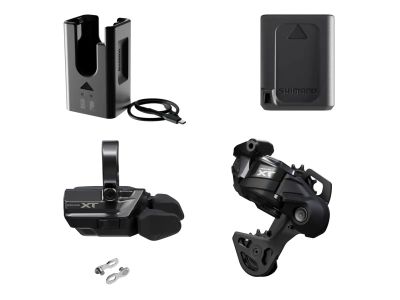
savings Shimano XT Di2 Upgrade Kit, 1x12, GS Cage, Clamp Mount, without Crankset
549 €
savings
RRP 809 €
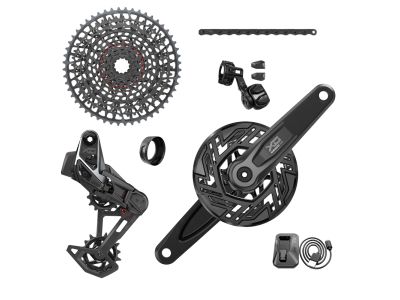
Sale savings SRAM X0 Eagle Transmission T-Type AXS set for E-MTB, 10-52T, 1x12, without cranks
1,049 €
savings
RRP 1,499 €





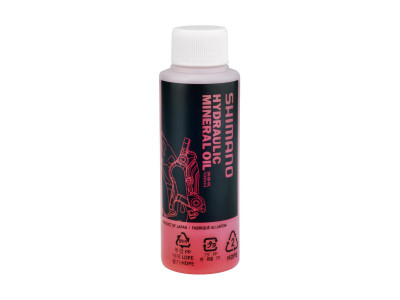
savings Shimano mineral oil for hydraulic brakes, 100 ml
8.99 €
savings
RRP 12.99 €
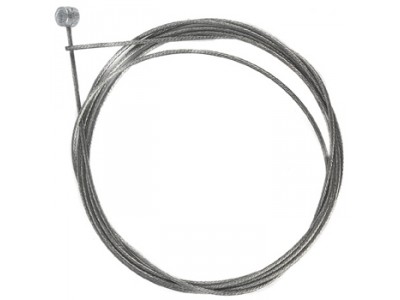
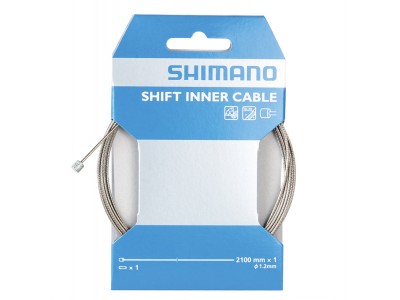
savings Shimano shift cable, Ø-1.2 x 2100 mm, stainless steel, with cable end cap
3.99 €
savings
RRP 6.99 €

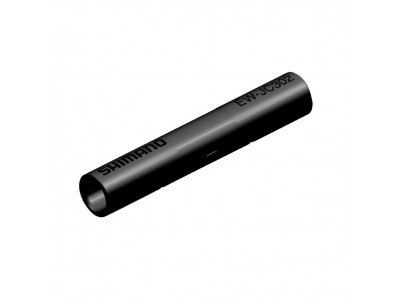
savings Shimano connector EW-JC302 Di2 for EW-SD300 cable, 2 ports
14.99 €
savings
RRP 25.99 €

We are the largest cycling e-shop in Slovakia, verified by 100,000+ customers.

We are available via e-mail, online chat, phone or in person at our MTBIKER stores.

Thanks to your order we can support cycling development.

The payment process is safe and we offer you a wide range of options.

We will reward you for your purchase and also for quality contributions in the MTBIKER forum, e-shop, trips and photo gallery.

Visit our store with a pump-track and trail access or our showroom in a historical bulding in central Bratislava.




 arrow_outward

 Perfektní věcička, která funguje skvěle. Jednoduchá montáž, nastavení. Vše zvládne každý kdo si umí alespoň vyměnit plášť na kole 😃
Translate by GoogleShow the original Rýchle , presné a radenie v kopci dokonale. Montáž som radšej nechal na servis .
Translate by GoogleShow the original Zatiaľ veľká spokojnosť je to návykové a radosť radiť
Translate by GoogleShow the original konecne mi radi bike ako ma, super
Translate by GoogleShow the original Radi to fakt skvele.
Translate by GoogleShow the original