
Shimano XTR Di2 M9250 SGS Upgrade set, without cranks
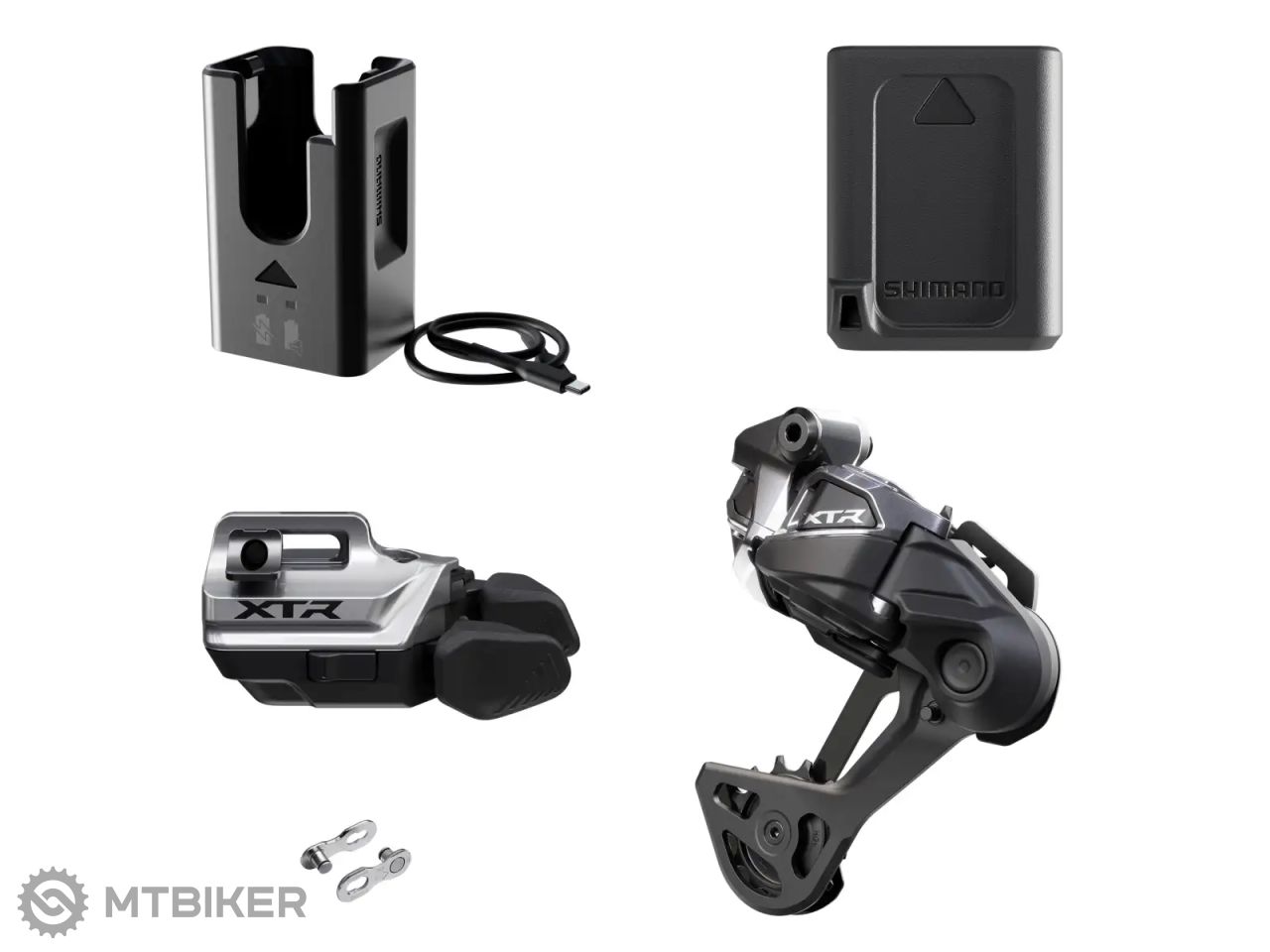





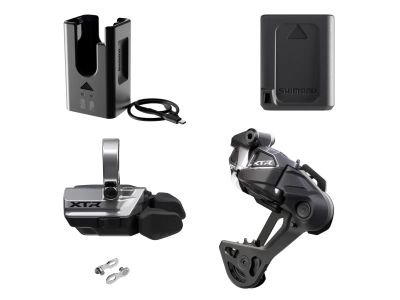
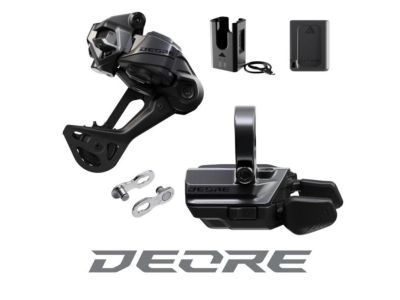
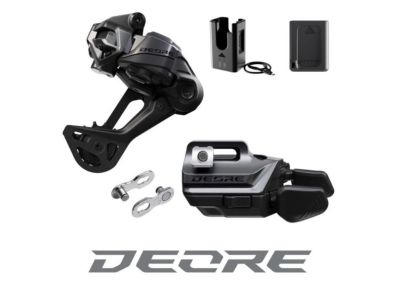
Shimano XTR Di2 M9250 Upgrade kit
Robust. Intuitive. Reliable – that's the motto of the new XTR M9250 groupset, with which Shimano brings back Di2 technology to the world of mountain bikes at the highest level. Thanks to wireless control, perfect functionality, a 12-speed set and precise construction, it is a solution for racers who want to compete with the best.
This upgrade kit allows owners of Shimano 12-speed groupsets to upgrade to the latest standard without the need for a complete bike rebuild. It contains all the necessary components to take advantage of wireless shifting immediately after installation.
|
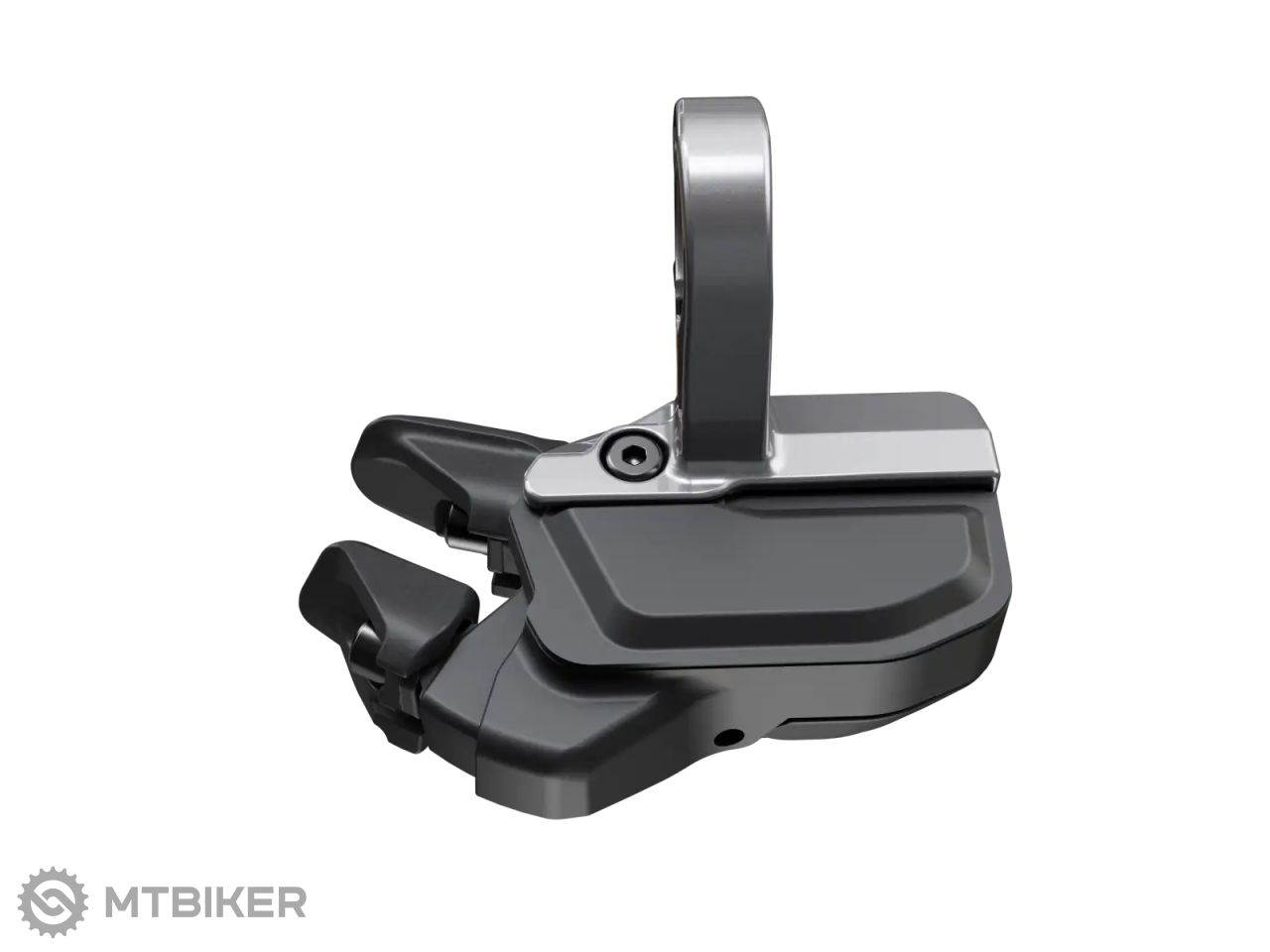
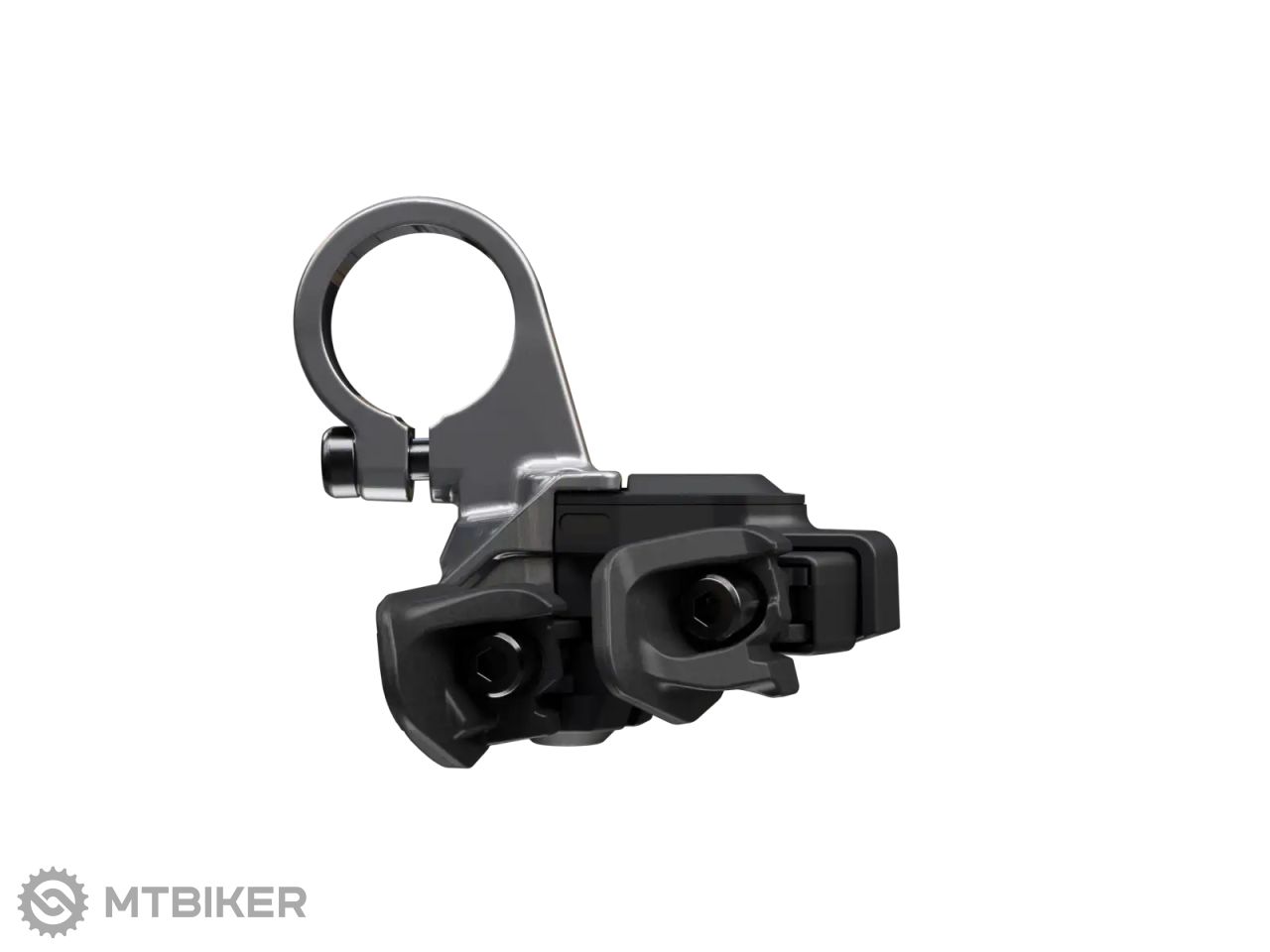
Shimano XTR Di2 shifter SW-M9250-IR
|
|
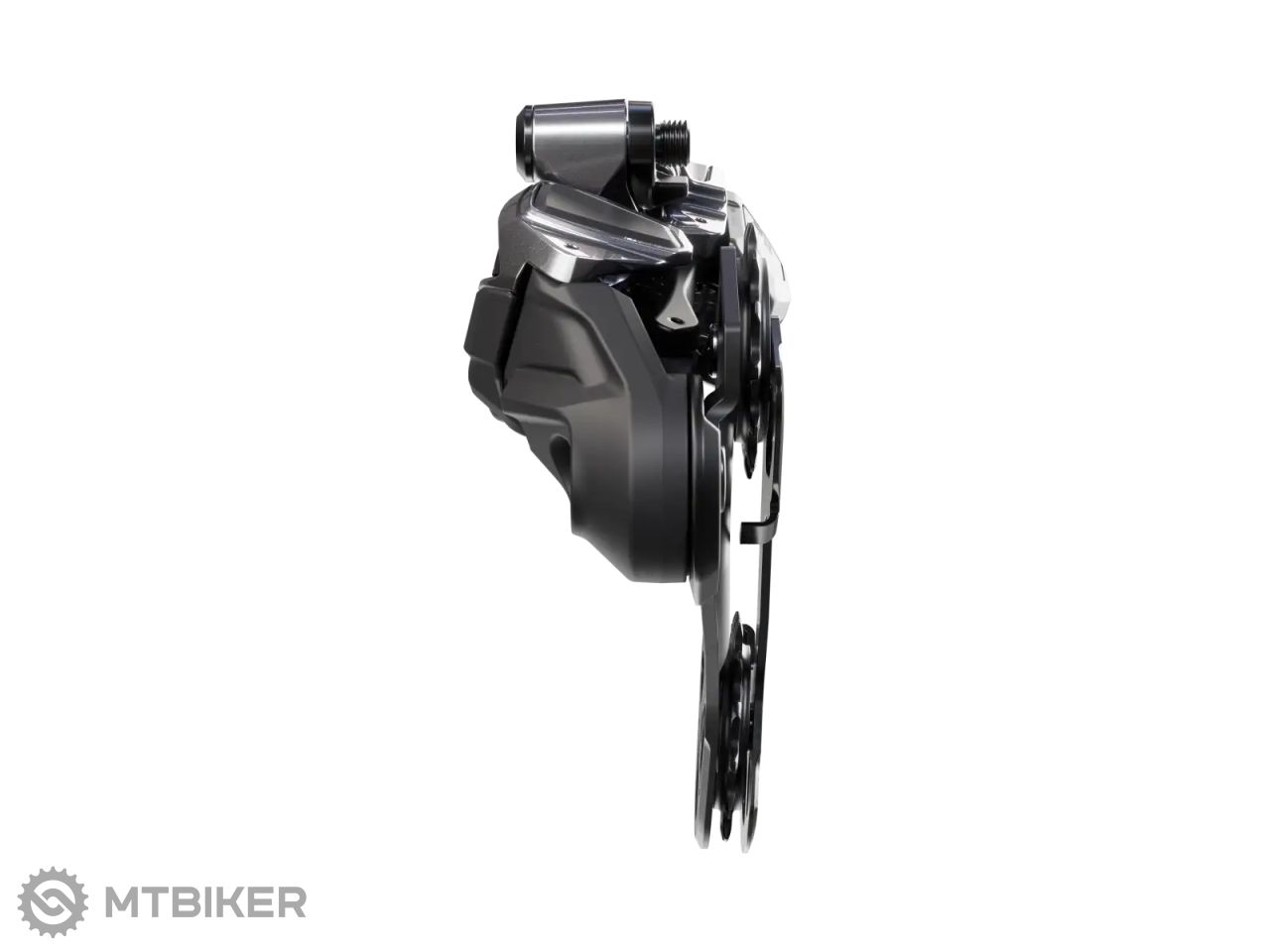
Shimano XTR Di2 RD-M9250-SGS derailleur
|
|
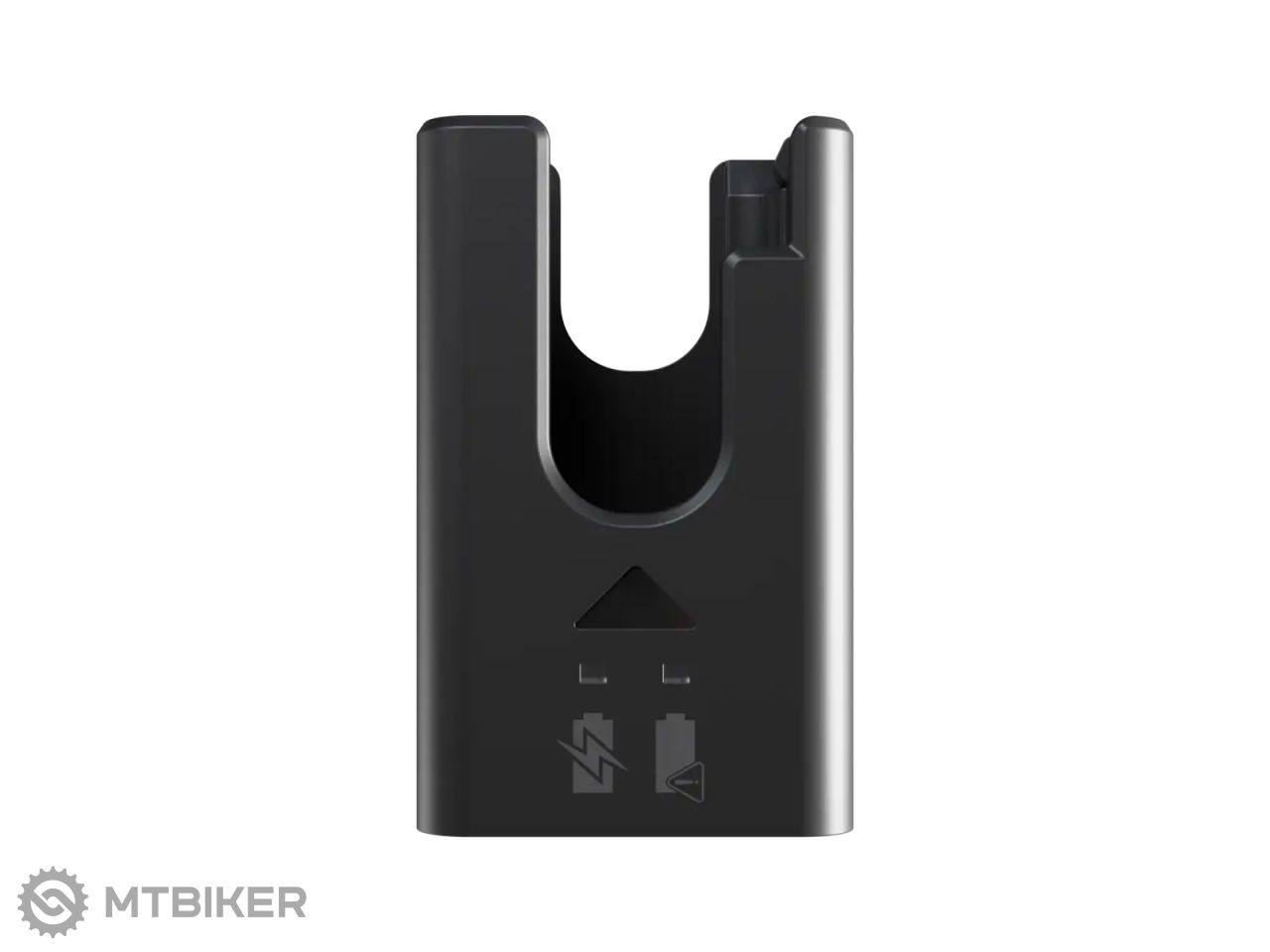
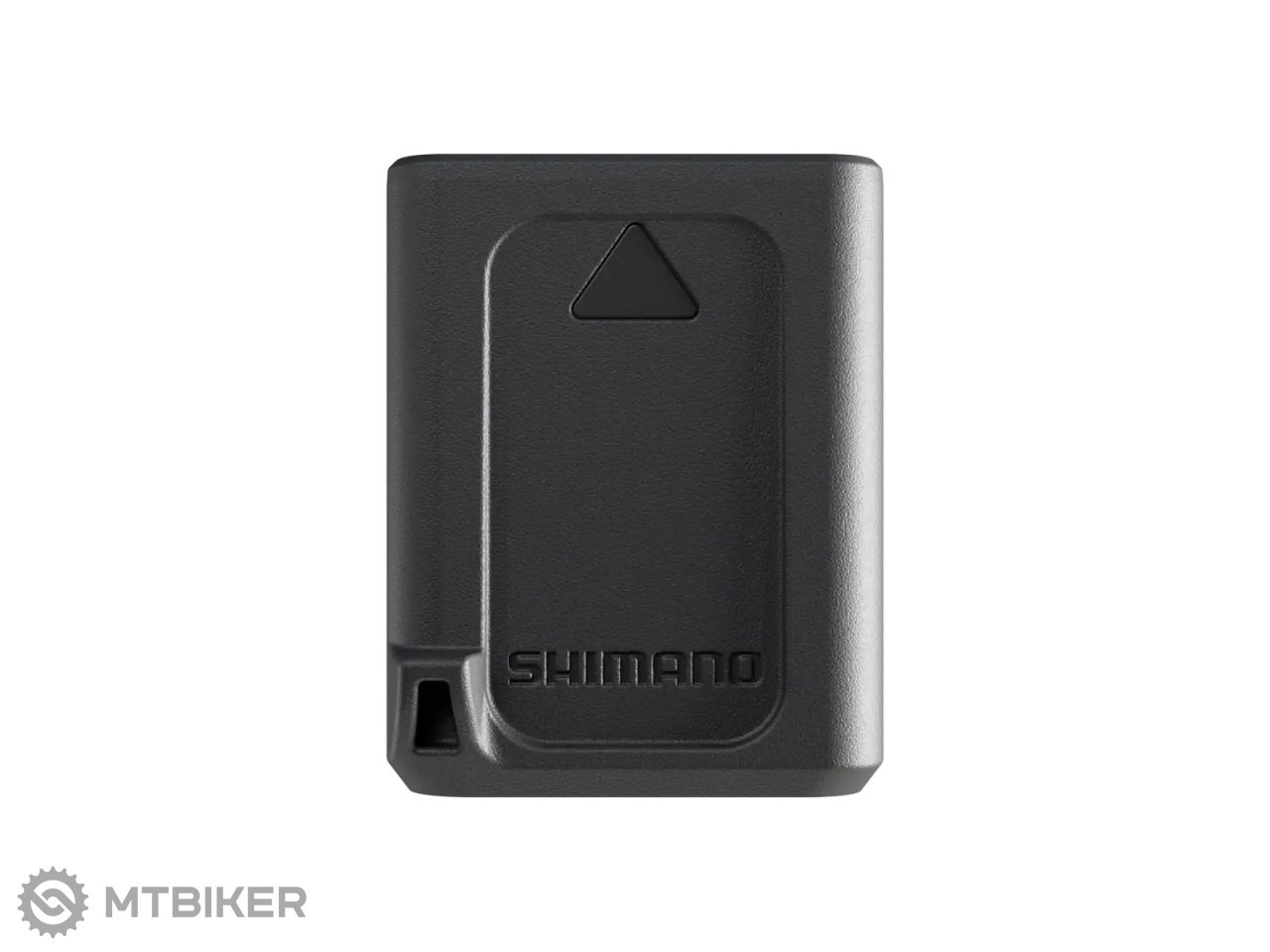
Shimano BT-DN320 battery + EC-EN100 charger
|
| Mounting type | gearshift: I-Spec EV |
| Weight | 514 g |
| Compatibility | hub: Shimano Micro Spline cassette: 10 - 51T |
| product ID | 350900 |

WARNING
For assistance with installation, adjustment, and replacement of products not found in the user's manual, please contact the place of purchase or a distributor. A dealer's manual for professional and experienced bicycle mechanics is available on our website (https://si.shimano.com).
For safety, be sure to read this "user's manual" thoroughly before use, follow it for correct use, and save it for future reference.
The following instructions should always be followed in order to prevent personal injury, physical damage to equipment and the surrounding area. The instructions are classified according to the degree of danger or damage that may occur if the product is used incorrectly.
DANGER - Failure to follow the instructions will result in death or serious injury.
WARNING - Failure to follow the instructions could result in death or serious injury.
CAUTION - Failure to follow the instructions could result in personal injury or physical damage to equipment and the surrounding area.
For items requiring replacement, please contact the place of purchase or a distributor.
Be sure to follow the instructions below to prevent burns and other injuries due to leakage, overheating, fire or explosion.
DANGER
- Use the specified charging cable when charging the battery. Using any other item may result in fire, overheating, leakage or damage to the connected PC.
- Prevent the charging cable from getting wet and do not touch or hold it when it is wet or when your hands are wet. Failure to do so may cause operational problems or electric shock.
- Use an AC adapter with a USB port with a voltage of 5.0 V DC and a current of at least 1.0 A DC. If you use an adapter with a current value of less than 1.0 A, the AC adapter may heat up and cause fire, smoke, overheating, damage, electric shock or burns.
- Do not heat the battery or expose it to fire. Failure to do so may cause the battery to burn or burst.
- Do not use or leave the battery in hot or humid places where the battery may be exposed to direct sunlight, in a closed vehicle on a hot day, or near a heater. Failure to do so may result in leakage, overheating or bursting, resulting in fire, burns or other injuries.
- Do not deform, modify or disassemble the battery. Also, do not apply solder directly to the battery terminals. Failure to do so may result in leakage, overheating or bursting, resulting in fire, burns or other injuries.
- Do not touch metal terminals with metal objects such as hairpins. Failure to do so may cause short circuits, overheating, burns or other injuries.
WARNING
- Do not disassemble or modify the product. This may cause the product to malfunction, you may fall unexpectedly and be seriously injured.
- Always grasp the cable plug when connecting or disconnecting the USB cable or charging cable. Failure to do so may result in fire or electric shock.
- If the following symptoms occur, stop using the device and contact the place of purchase. Fire or electric shock may occur.
- If pungent smoke comes out of the mains plug or the plug heats up. There may be a bad connection inside the mains plug.
- If there is thunder during charging with an AC adapter with a USB port, do not touch the device, bicycle or AC adapter. Lightning strikes can cause electric shock.
- Do not use a USB hub to connect the cable to the PC's USB port. Charging failure or fire due to overheating may occur.
- Be careful not to damage the charging cable. Do not damage it, modify it, bend it forcibly, twist or stretch it, place it near hot objects, place heavy objects on it or tie it tightly together. If used in a damaged condition, fire, electric shock or short circuit may occur.
- If the battery is not fully charged after 4 hours of charging, stop charging. Failure to do so may result in fire, bursting, ignition or overheating.
- Do not immerse the product in fresh or salt water and prevent the terminals from getting wet. Failure to do so may result in fire, bursting, ignition or overheating.
- Do not subject the product to strong impact or throw it. Failure to do so may result in bursting, overheating or operational problems.
- Do not use the battery if it shows leakage, discoloration, deformation or other atypical signs. Failure to do so may result in bursting, overheating or operational problems.
- Clean the chain and QUICK-LINK regularly with a suitable chain cleaner. Maintenance intervals depend on usage and riding conditions. Never use alkaline or acid-based solvents, such as rust removers. If such a solvent is used, the chain or QUICK-LINK may break and cause serious injury.
- Check the chain for damage (deformation or cracking), skipping or any other irregularities, such as spontaneous shifting. If any problems occur, contact the place of purchase or a distributor. The chain may break and you may fall.


All the answers to questions about delivery, payment, security, returns, warranty and much else.


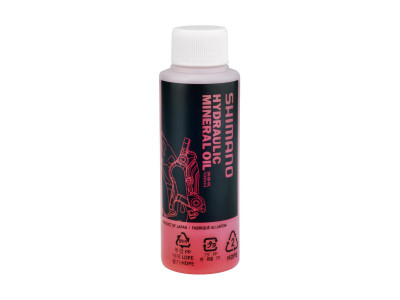
savings Shimano mineral oil for hydraulic brakes, 100 ml
6.49 €
savings
RRP 12.99 €


savings Shimano mineral oil for hydraulic brakes, 500 ml
12.59 €
savings
RRP 20.99 €


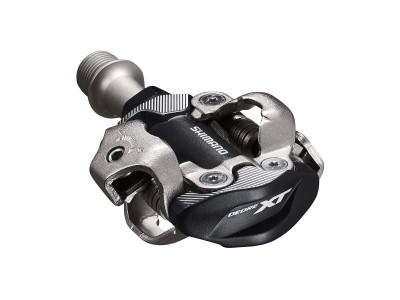
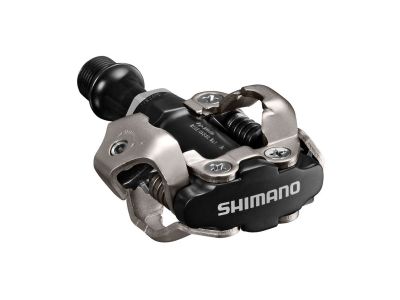
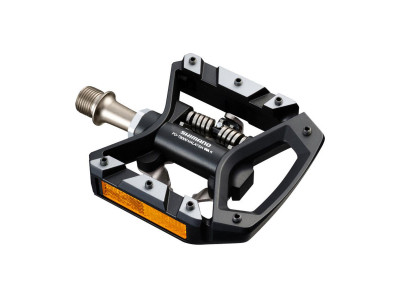
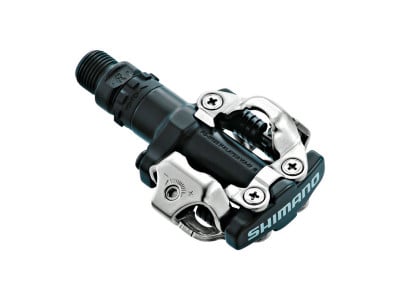
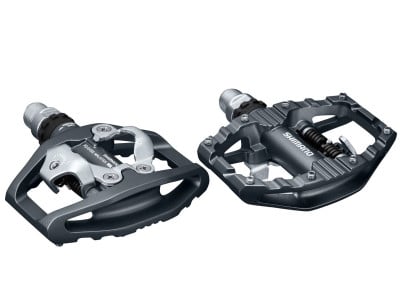
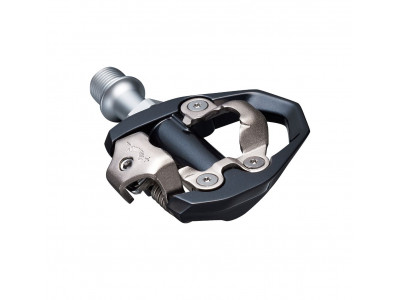
savings Shimano XT PD-T8000 pedals, single sided + cleats SM-SH56
77.99 €
savings
RRP 125 €
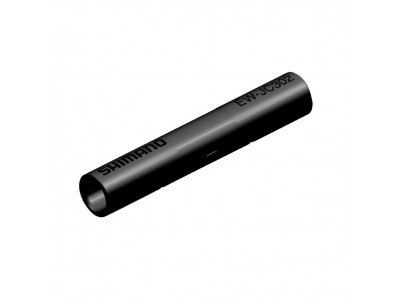
-23% Shimano connector EW-JC302 Di2 for EW-SD300 cable, 2 ports
16.90 €
-23%
RRP 27.99 €

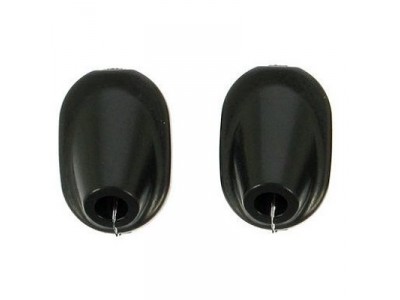
savings Shimano frame caps for EW-SD50 cables, 6 mm/round, 4 pcs
4.29 €
savings
RRP 8.99 €
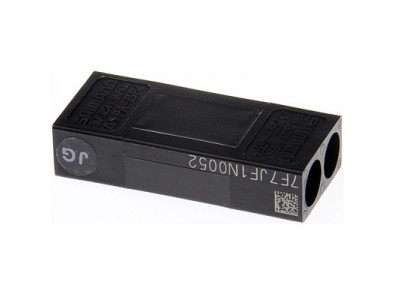
Sale -14% Shimano SM-JC41 Di2 connector for internal wiring
24.99 €
-14%
RRP 40.99 €
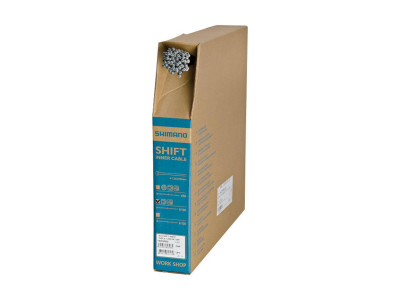
-11% Shimano shift cable, Ø-1.2 x 2 100 mm, stainless steel
1.59 €
-11%
RRP 2.49 €

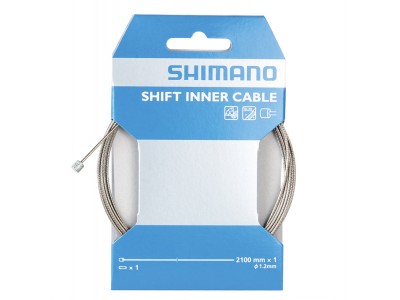
savings Shimano shift cable, Ø-1.2 x 2100 mm, stainless steel, with cable end cap
3.19 €
savings
RRP 6.99 €
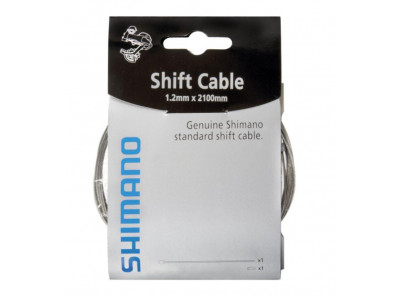
savings Shimano shift cable, Ø-1.2 mm x 2 100 mm, incl. cable end cap
2.19 €
savings
RRP 4.39 €
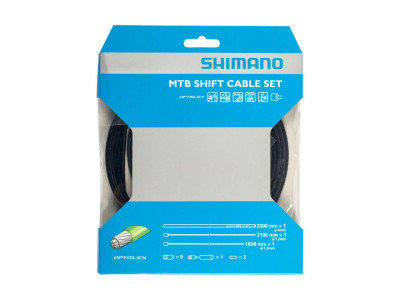
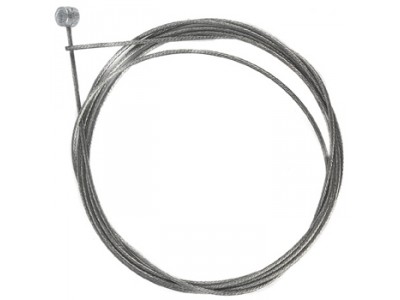
savings Shimano MTB brake cable, Ø - 1,6 mm x 2 050 mm, stainless steel
1.99 €
savings
RRP 2.99 €

We are the largest cycling e-shop in Slovakia, verified by 100,000+ customers.

We are available via e-mail, online chat, phone or in person at our MTBIKER stores.

Thanks to your order we can support cycling development.

The payment process is safe and we offer you a wide range of options.

We will reward you for your purchase and also for quality contributions in the MTBIKER forum, e-shop, trips and photo gallery.

Visit our store with a pump-track and trail access or our showroom in a historical bulding in central Bratislava.



 arrow_outward
