
Shimano GRX RX817 Di2 rear derailleur, 1x11, Shadow+
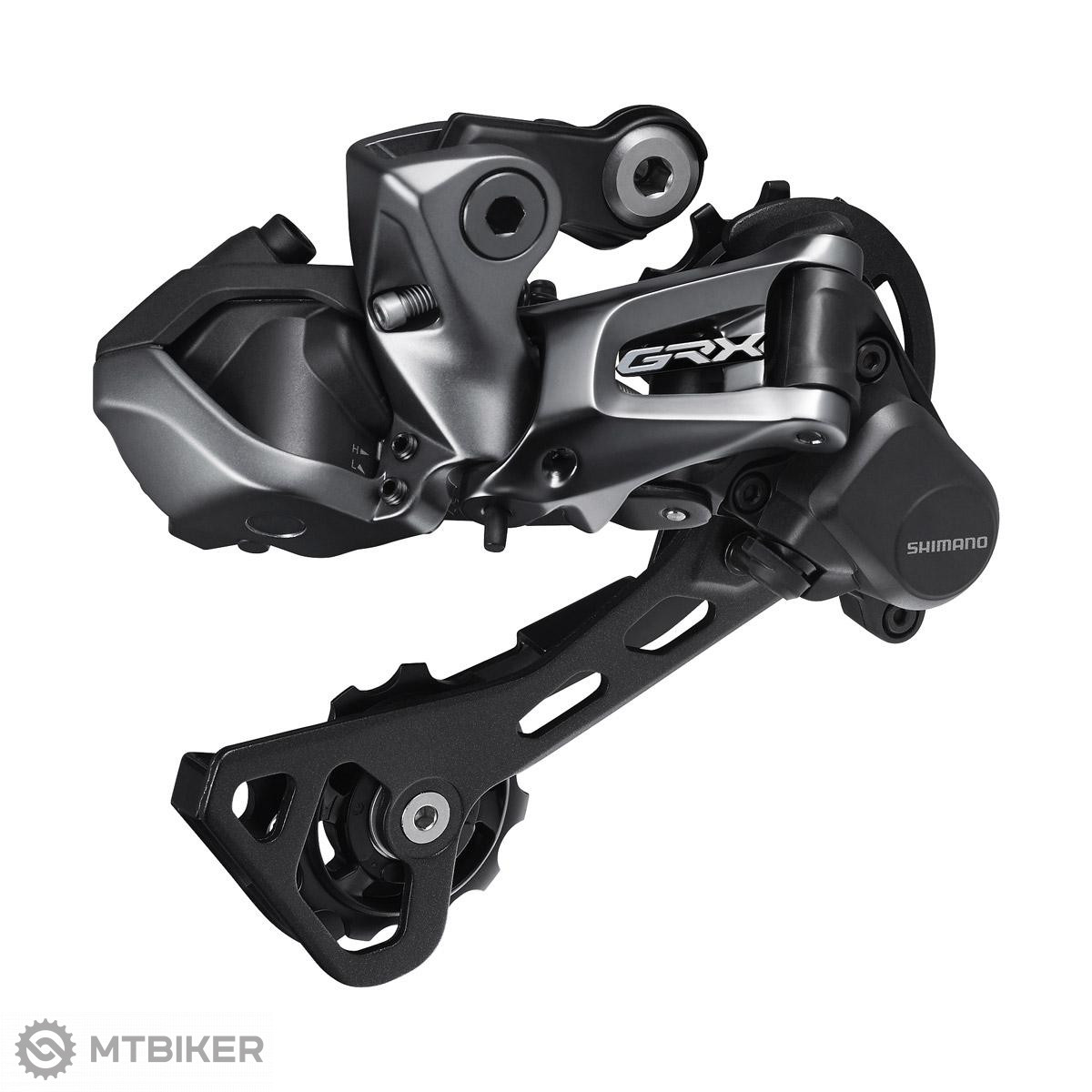




Shimano GRX RX817 Di2 derailleur
Gravel bikes are becoming increasingly popular among cyclists. The advantages are obvious. They have a more comfortable geometry than racing bikes, are excellent off-road and are suitable for longer journeys. However, conventional racing bike components have reached their limits on these bikes. That's why Shimano developed its own gear groups specifically for this type of bike.|
The built-in stabilizer reliably prevents chain rubbing and keeps everything in place.
|
|
Ensures high shifting accuracy even in the most difficult off-road conditions
|
|
The Shadow's compact design not only looks good, but also protects the rear derailleur from damage in a fall
|
| Groupset | Shimano GRX |
| Gears | 1x11 |
| Control type | electronic |
| Cage type | GS |
| Weight | 322 g |
| Capacity | 31T |
| Min./Max. the size of the large cassette pinion | 40T / 42T |
| Min./Max. the size of a small cassette pinion | 11T / 11T |
| Compatibility | 11-speed Shimano Di2 Dual Control levers |
| product ID | 87356 |

 •
•
 Dobrý deň
Mám teraz mechanické Grx 1x11
Prosím Vás bude stačiť tato prehadzovacka a vemit len pravú páku za https://www.mtbiker.sk/shop/komponenty/radenie/cestne/shimano-grx-set-strx815rbrrx810r-prava-paka-a-strmen-11-k-di2-radhydrbrzda-.html
A láva môže zostať mechanická ? Bude potrebovať asi ešte baterku a káble tie su súčasťou balenie prehadzky alebo páky alebo treba ich zvlášť dokúpiť ?
Ďakujem za odpoved
•
Dobrý deň,
Páku bude stačiť vymeniť len pravú ale nakoľko tie páky nie sú tvarovo identické tak ich nebudete mať súmerné a každá bude iná. Dokúpiť bude potrebné 4 káble, 2x konektor (jeden riadiací a jeden spojovací), batériu a nabíjačku (všetko sa predáva samostatne a spolu toto nevyhnuté príslušenstvo vychádza na cca 470-490 EUR v závislosti od dĺžky káblov). V prípade záujmu nám napíšte na email [email protected] a vyberieme Vám vhodné diely.
•
Ďakujem za odpoved
Ak tomu rozomiem správne bude treba prehadzovacku brzdovú páku plus ešte príslušenstvo za caa 470€. To sa už pomaly oplatí prerobiť na sram 🫣
•
Dobrý deň,
Rozumiete tomu správne, Di2 je nákladná záležitosť. Zasa pri prechode na Sram treba počítať ešte s kazetou, orechom (12 sady využívajú XG kazety určené pre XD orechy), komplet radením s brzdami a kľukami pre 12 sp. reťaz.
•
Dobrý deň na svojom bicykli mám systém GRX DI2 2x11. Dá sa táto prehadzovačka zameniť jednoducho za model RD-RX815 ktorí tam mám osadený teraz. Viem že táto prehadzovačka RD-RX817 má v špecifikácii napísané 1x11. Ide mi o to že keď jednoducho prehadzovačku zamenim či bude komunikovať pekne s prešmykovačom a celým systémom tak ako moja stará RD-RX815. Dosť jazdím v kopcoch a potreboval by som ľahšie prevody tak preto to riešim. Ďakujem pekne za odpoveď.
 •
•
Dobrý deň prajem,
žiaľ Shimano kombináciu RD-RX817 a 2x prevodového systému neodporúča - ramienko tejto prehadzovačky má o niečo nižšiu kapacitu (31T) ako RD-RX815 (38T) danú iným tvarom ramienka, čo môže spôsobiť neschopnosť využívať celý rozsah prevodov.
Poznámka "pod čiarou" - žiaľ osobne to overené z vlastnej skúsenosti nemáme - teoreticky to pri dobrom vyladení môže fungovať k plnej spokojnosti, ale zaručiť Vám to nevieme. Môžete prípadne skúsiť napísať do nášho fóra, či náhodou niekto nemá osobnú skúsenosť - možno napr. do tejto témy - https://www.mtbiker.sk/forum/cestne-cyklokrosove-bicykle/cyklokros-gravel-t39856.html?hilit=grx.
V prípade akýchkoľvek ďalších otázok nás neváhajte kontaktovať.
•
Dobrý deň prajem.
Mám na bicykli osadenú sadu ultegra Di2 6870, pri páde sa mi zlomila zadná prehadzovačka a nenašiel som už nikde predaj novej, bola by táto RD-RX817 popprípade RD-815 kompatibilná zo sadou 6870? Poprípade je nejaké riešenie?
Ďakujem
•
Dobrý deň prajem, prehadzovačku môžete použiť, avšak kapacitne je určená len pre 1x11 setupy - vid'. tabuľka kompatibilít jednotlivých Di2 komponentov tu: https://bike.shimano.com/content/dam/one-website/common/products/apps/e-tube-project-professional/image/HM-CC%205.3.2-00-EN.pdf
•
Dobry den. Este otazocka: V pripade, ze by som chcel namontovat tuto prehadzovacku na bicykel s rovnymi riadidlami, je moznost ako ju sparovat so shifteroˇ na rovne riadidla? Dakujem.
•
Dobrý deň,
Jediné kompatibilné radenie pre rovné riadidlá a túto prehazovačku (resp. aj iné 11 rýchlostné cestné/gravel prehadzovačky) je SL-RS700. V prípade záujmu môžeme preveriť dostupnosť u výrobcu. Iné 11 rýchlostné radenia pre rovné riadidlá určené pre MTB sady žiaľ nie sú kompatibilné.
WARNING
For assistance with installation, adjustment, and replacement of products not found in the user's manual, consult a professional or experienced bicycle mechanic. A dealer's manual intended for professional and experienced bicycle mechanics is available on our website (https://si.shimano.com).
For safety, be sure to read this "user's manual" thoroughly before use, follow it for correct use, and keep it in a safe place for future reference.
The following instructions should always be followed in order to prevent personal injury, physical damage to equipment and the surrounding environment. The instructions are classified according to the degree of danger or damage that may occur if the product is used incorrectly.
DANGER - Failure to follow the instructions will result in death or serious injury.
WARNING - Failure to follow the instructions could result in death or serious injury.
CAUTION - Failure to follow the instructions could result in personal injury or physical damage to equipment and the surrounding environment.
For items requiring replacement, consult the place of purchase or a distributor.
Be sure to follow the instructions below to prevent burns and other injuries due to leakage, overheating, fire, or explosion.
DANGER
- Use the specified charging cable when charging the battery. Using any other item may result in fire, overheating, leakage, or damage to the connected PC.
- Prevent the charging cable from getting wet, and do not touch or hold it when it is wet or when your hands are wet. Failure to do so may cause operational problems or electric shock.
- Use an AC adapter with a USB port with a voltage of 5.0 V DC and a current of at least 1.0 A DC. If you use an adapter with a current value of less than 1.0 A, the AC adapter may overheat and cause fire, smoke, overheating, damage, electric shock, or burns.
- Do not heat the battery or expose it to fire. Failure to do so may cause the battery to burn or burst.
- Do not use or leave the battery in hot or humid places where the battery may be exposed to direct sunlight, in a closed vehicle on a hot day, or near a heater. Failure to do so may result in fire, burns, or other injuries due to leakage, overheating, or bursting.
- Do not deform, modify, or disassemble the battery. Also, do not apply solder directly to the battery terminals. Failure to do so may result in fire, burns, or other injuries due to leakage, overheating, or bursting.
- Do not touch metal terminals with metal objects such as hairpins. Failure to do so may cause short circuits, overheating, burns, or other injuries.
WARNING
- Do not disassemble or modify the product. This may cause the product to malfunction, you may fall unexpectedly and be seriously injured.
- Always grasp the cable plug when connecting or disconnecting the USB cable or charging cable. Failure to do so may result in fire or electric shock.
- If the following symptoms occur, stop using the device and contact the place of purchase. Fire or electric shock may occur.
- If a pungent-smelling smoke comes out of the power plug or the plug heats up. There may be a bad connection inside the power plug.
- If thunder is heard while charging with an AC adapter with a USB port, do not touch the device, bicycle, or AC adapter. Electric shock may occur due to lightning strike.
- Do not use a USB hub to connect the cable to the PC's USB port. Charging failure or fire may occur due to overheating.
- Be careful not to damage the charging cable. Do not damage it, modify it, bend it forcibly, twist or stretch it, place it near hot objects, place heavy objects on it, or tie it tightly together. If used in a damaged condition, fire, electric shock, or short circuit may occur.
- If the battery does not fully charge after 4 hours of charging, stop charging. Failure to do so may result in fire, bursting, ignition, or overheating.
- Do not immerse the product in fresh or salt water and prevent the terminals from getting wet. Failure to do so may result in fire, bursting, ignition, or overheating.
- Do not subject the product to strong impact or throw it. Failure to do so may result in bursting, overheating, or operational problems.
- Do not use the battery if it shows leakage, discoloration, deformation, or other unusual signs. Failure to do so may result in bursting, overheating, or operational problems.
- Clean the chain and QUICK-LINK regularly with a suitable chain cleaner. Maintenance intervals depend on usage and riding conditions. Never use alkaline or acid-based solvents such as rust removers. If such a solvent is used, the chain or QUICK-LINK may break and cause serious injury.
- Check the chain for damage (deformation or cracking), skipping, or any other irregularities such as unintended shifting. If any problems occur, contact the place of purchase or a distributor. The chain may break and you may fall.
CAUTION
- Store in a safe place out of reach of small children to prevent accidental ingestion.
- Prevent grease from adhering to metal terminals. This may cause conduction failure.
- Do not leave the charging cable connected during maintenance.


All the answers to questions about delivery, payment, security, returns, warranty and much else.
savings Shimano GRX RD-RX812 rear derailleur, 11-speed, long cage (GS), Shadow +
79.99 €
savings
RRP 129 €

-13% Shimano 105 RD-R7150 Di2 rear derailleur, 12-speed, long cage (GS)
209 €
-13%
RRP 279 €
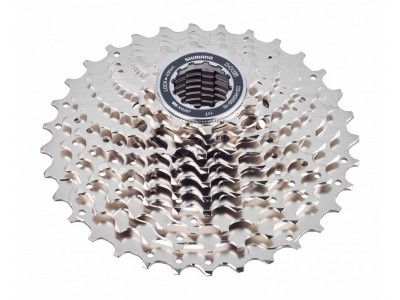
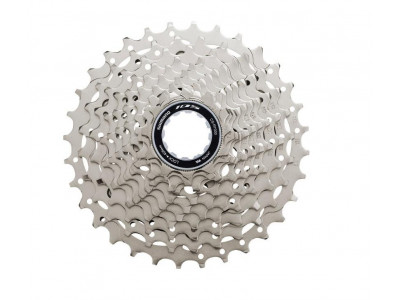
savings Shimano 105 CS-HG700 cassette, 11-speed, 11-34T
45.99 €
savings
RRP 71.99 €

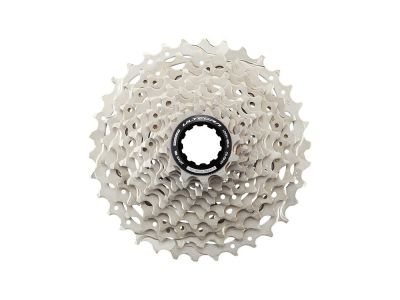
savings Shimano 105 CS-R7101 12 cassette, 12-speed, 11-34T
47.99 €
savings
RRP 77.99 €
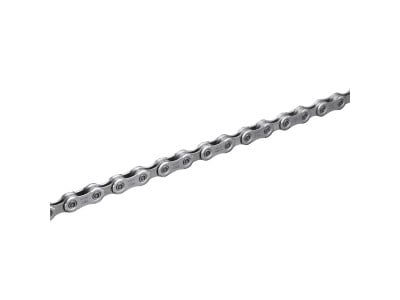
savings Shimano SLX CN-M7100 Chain, 12-speed, 126 links + Quick Link
27.99 €
savings
RRP 39.99 €
savings Shimano Deore CN-HG54 chain, 10-speed, 116 links
14.99 €
savings
RRP 26.99 €
savings Shimano Deore XT CN-M8100 chain, 12-sp., 126 links + quick link
38.99 €
savings
RRP 57.99 €
savings Shimano CN-HG601 chain, 11-speed, 116 links, with quick link
21.99 €
savings
RRP 36.99 €
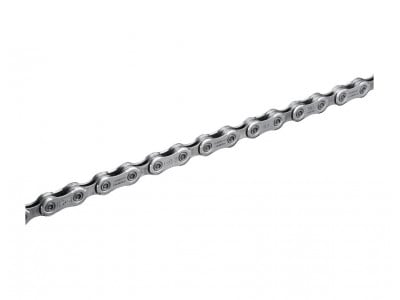
savings Shimano Deore XT CN-M8100 chain, 12-speed, 116 links + quick link
33.99 €
savings
RRP 49.99 €
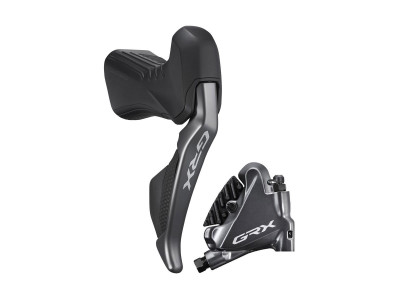
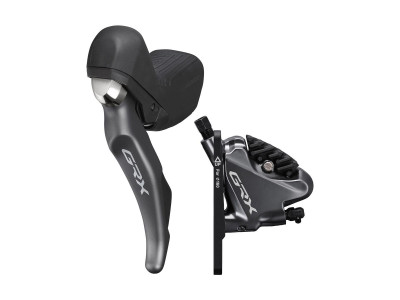
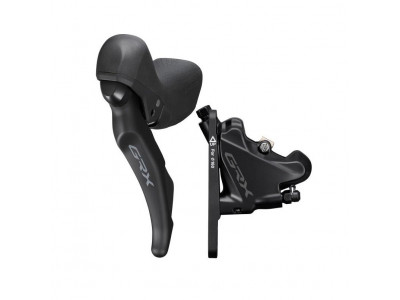
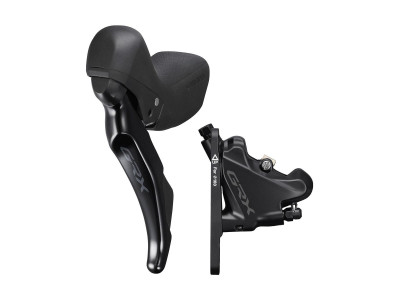
Sale -6% Shimano GRX ST-RX400L/BR-RX400F gear shift/hydr. brake, left, 2x10, 1 000 mm hose
179 €
-6%
RRP 239 €
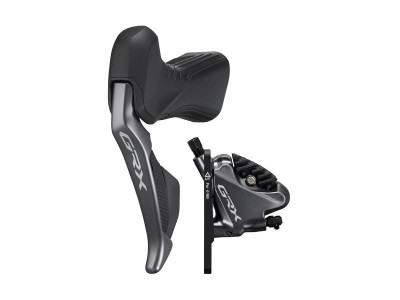
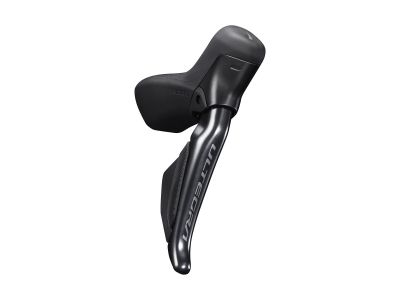
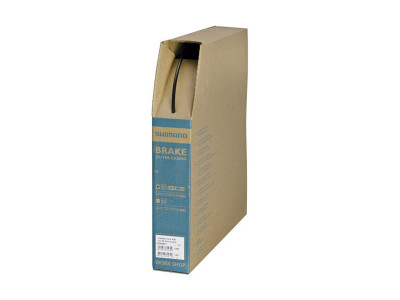

savings Shimano shift cable, Ø-1.2 x 2 100 mm, stainless steel
1.69 €
savings
RRP 2.49 €
-9% Shimano road brake cable, Ø-1.6 x 2 050 mm, stainless steel
1.99 €
-9%
RRP 2.49 €
savings Shimano shift cable, Ø-1.2 mm x 2 100 mm, incl. cable end cap
2.19 €
savings
RRP 3.49 €
savings Shimano shift cable, Ø-1.2 x 2100 mm, stainless steel, with cable end cap
3.99 €
savings
RRP 6.99 €

We are the largest cycling e-shop in Slovakia, verified by 100,000+ customers.

We are available via e-mail, online chat, phone or in person at our MTBIKER stores.

Thanks to your order we can support cycling development.

The payment process is safe and we offer you a wide range of options.

We will reward you for your purchase and also for quality contributions in the MTBIKER forum, e-shop, trips and photo gallery.

Visit our store with a pump-track and trail access or our showroom in a historical bulding in central Bratislava.

 arrow_outward

There are currently no reviews