
Shimano XT Di2 Upgrade kit, 1x12, no cranks


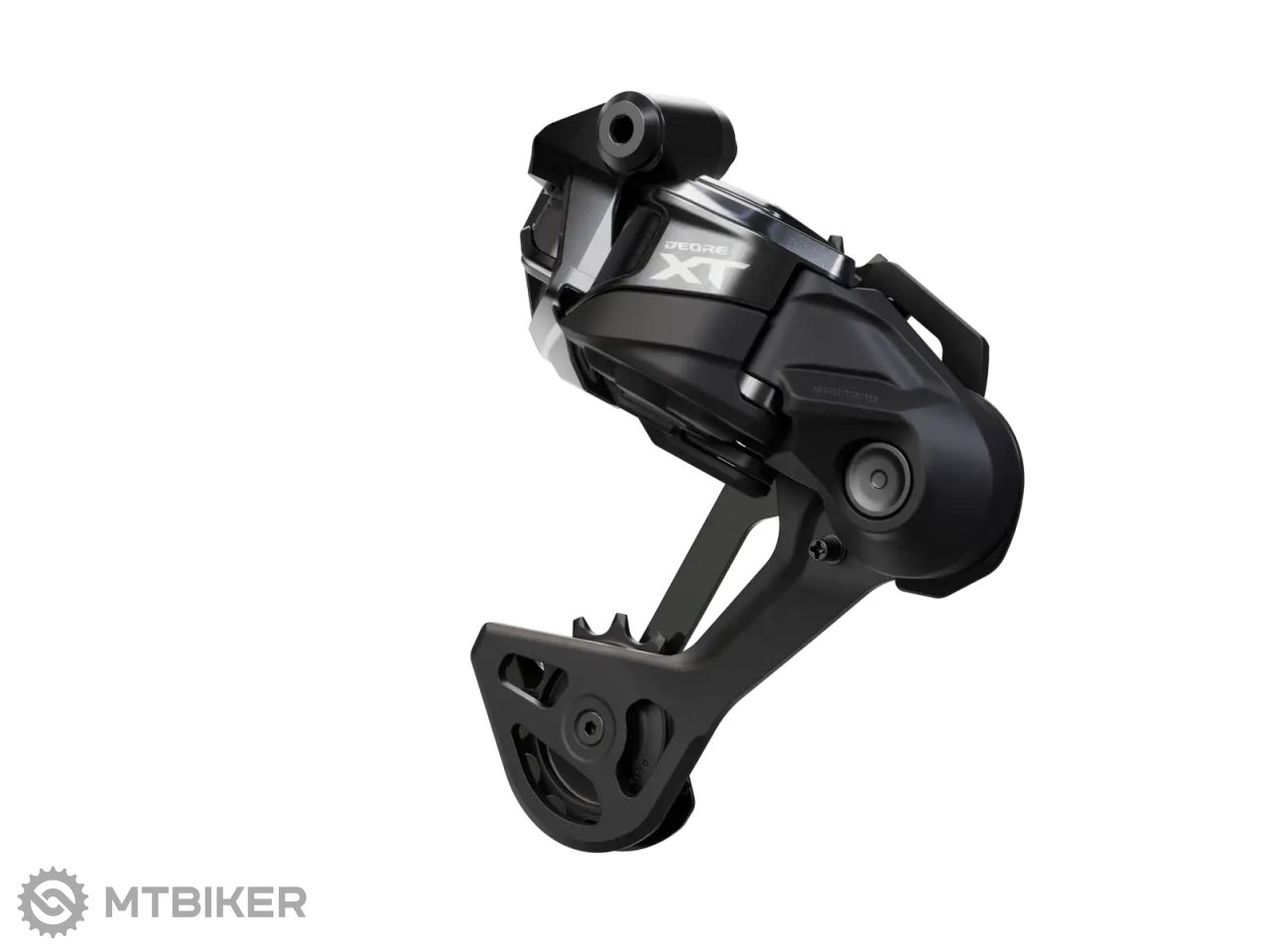







Shimano XT Di2 Upgrade Kit
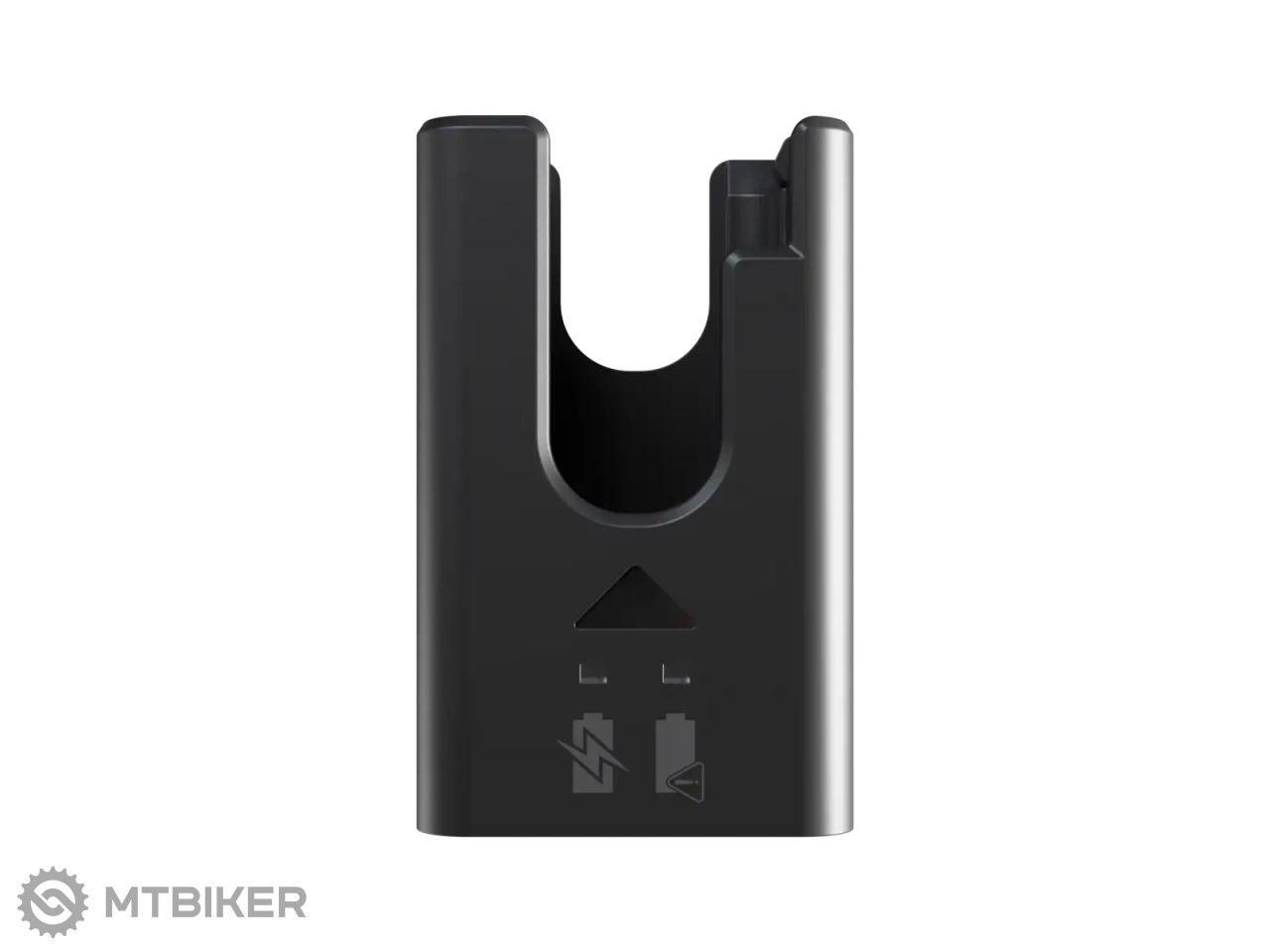
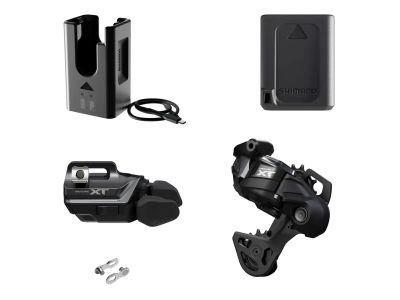
The Shimano XT Di2 1x12 upgrade kit allows you to upgrade your mountain bike with the latest electronic shifting technology. Thanks to fast, precise and wireless shifting, you will get maximum comfort and reliability even in the most demanding conditions. The kit includes an electronic derailleur, I-spec EV shifters, battery, charger, and quick release levers, and is designed for cassettes with a range of 10-51T.|
RD-M8250-SGS derailleur with Automatic Impact Recovery
|
|
SW-M8250-R shifting with ergonomic design and natural grip
|
|
Fast, precise and clean shifting with a 500 % gear range
|
|
Multiple or two-step shifting option
|
|
Fully programmable control via Shimano E-TUBE PROJECT app
|
| Package contents | derailleur, shifting, battery, charger and quick release |
| Mounting type | gearshift: I-Spec EV |
| Cage type | SGS - long arm for 10-51T range |
| Weight | 596 g (whole set, including charger) |
| product ID | 352994 |

 •
•
 Dobrý den, je možné tento typ použít na E-biku?
kazetu mám tuto
https://www.mtbiker.cz/shop/komponenty/kazety-a-pastorky/mtb-10-11-12-rychlostni/shimano-deore-xt-cs-m8100-kazeta-12kolecko-p87343.html#675743
řetěz tento
https://www.mtbiker.cz/shop/komponenty/retezy/10-11-12-rychlostni/shimano-deore-xt-cn-m8100-retez-12rychl-126-clanku-rychlospojka-p87379.html
•
 Dobrý deň,
áno je to možné - nevidím tam problém. Radenie funguje samostatne od motora - má vlastnú batériu.
Kazeta a reťaz sú kompatibilné.
 •
•
Ahoj, po spárovaní som skúšal na voľno prehadzovať a pri prehodení zo 4 na 3 prevod prehodí a po chvíli ešte zmení polohu( také cuknutie) robí to iba zo 4 na 3 prevod. Je to normálne a po nahodení na bike a nastavení to bude v poriadku? stretol sa s tym niekto? Dik. https://www.youtube.com/watch?v=gjyoB-j9AEs
•
Dobrý deň,
je potrebné to nahodiť a nastaviť podľa Shimano manuálu + odporčúam update cez aplikáciu E-tube cez appku v telefóne.
Posielam odkaz na montážny návod v SK jazyku: https://si.shimano.com/sk/pdfs/dm/MARD011/DM-MARD011-06-SLK.pdf
Na danom prevode si môže prehadzovačka robiť menšiu korektúru prevodu.
•
Ďakujem za rýchlu odpoveď a objasnenie
•
Dobry den, mam prehadzovac Shimano Deore XT M8100 na 12st XT kazetu. Zamyslam update na elektiku. Mozem premyslet nad: Shimano XT Di2 Upgrade sada, 1x12.
Dakujem.
R
•
Dobrý deň,
ak máte kazetu 12s Shimano tak kľudne môžete sadu využiť. Stačí pôvodné komponenty vymeniť.
•
Zdravim
Montaz prehadzovacky je na pätku alebo na rám.
Dakujem
•
Dobrý deň,
klasicky na pätku rámu - teda nie ako SRAM T-type. Výhoda Shimana je, že môže nie je podmienka mať UDH pätku.
•
Ahoje.Ma prehadzovačka dorazy L,H,P?Dakujem.
 •
•
Ahoj, instalacia je trosku odlisna, ale zakladne nastavenie je podobne ako pri "klasickych" prehadzovacoch. Pre lepsiu predstavu pripajam kompletny navod - nastavenie prehadzovaca je popisane od str. 31 - https://si.shimano.com/en/pdfs/dm/MARD011/DM-MARD011-04-ENG.pdf.
WARNING
For assistance with installation, adjustment and replacement of the products which are not found in the user's manual, please contact the place of purchase or a distributor. A dealer's manual for professional and experienced bicycle mechanics is available on our website (https://si.shimano.com).
For safety, be sure to read this "user's manual" thoroughly before use, follow it for correct use, and keep it in a place where you can refer to it at any time.
The following instructions should always be followed in order to prevent personal injury, physical damage to equipment and the surroundings. The instructions are classified according to the degree of danger or damage which may occur if the product is used incorrectly.
DANGER - Failure to follow the instructions will result in death or serious injury.
WARNING - Failure to follow the instructions could result in death or serious injury.
CAUTION - Failure to follow the instructions could result in personal injury, or physical damage to equipment and surroundings.
For items that require replacement, be sure to consult the place of purchase or a distributor.
Be sure to observe the following instructions in order to prevent burns and other injuries due to leakage of fluids, overheating, fire or explosion.
DANGER
- Use the specified charging cable when charging the battery. Use of any other item may lead to fire, overheating, leakage, or damage to the connected PC.
- Prevent the charging cable from getting wet, and do not touch or hold it when it is wet or if your hands are wet. Failure to do so may cause problems with operation or electric shock.
- Use an AC adapter with a USB port with a voltage of DC 5.0 V and a current of at least DC 1.0 A. If you use an adapter with a current rating of less than 1.0 A, the AC adapter may heat up, resulting in fire, smoking, overheating, damage, electric shock, or burns.
- Do not heat the battery or expose it to flame. Failure to do so may cause the battery to ignite or rupture.
- Do not use or leave the battery in hot or humid locations where the battery may be exposed to direct sunlight, in a closed vehicle on a hot day, or near a heater. Failure to do so may cause leakage, overheating, or rupture, resulting in fire, burns, or other injuries.
- Do not deform, modify, or disassemble the battery. Also, do not directly apply solder to the battery terminals. Failure to do so may cause leakage, overheating, or rupture, resulting in fire, burns, or other injuries.
- Do not allow metal terminals to come into contact with metallic objects such as hairpins. Failure to do so may cause short-circuiting, overheating, burns, or other injuries.
WARNING
- Do not disassemble or modify the product. This may cause the product to not operate correctly, and you may fall unexpectedly and suffer serious injury.
- Always grasp the cable plug when connecting or disconnecting the USB cable or charging cable. Failure to do so may result in fire or electric shock.
- If the following symptoms occur, stop using the device and contact the place of purchase. Fire or electric shock may occur.
- If a pungent odor is emitted from the AC power plug or the plug is getting hot. There may be a poor connection inside the AC power plug.
- If thunder is heard during charging with an AC adapter with a USB port, do not touch the device, bicycle, or AC adapter. Electric shock may occur due to lightning strike.
- Do not use a USB hub to connect the cable to the PC's USB port. Charging failure or fire due to overheating may occur.
- Be careful not to damage the charging cable. Do not damage it, modify it, forcibly bend, twist, or pull it, place it near hot objects, place heavy objects on it, or tie it tightly together. Using it in a damaged state may result in fire, electric shock, or short circuit.
- If the battery is not fully charged after 4 hours of charging, stop charging. Failure to do so may cause fire, rupture, ignition, or overheating.
- Do not immerse the product in fresh or salt water, and prevent the terminals from getting wet. Failure to do so may cause fire, rupture, ignition, or overheating.
- Do not subject the product to strong impact or throw it. Failure to do so may cause rupture, overheating, or problems during operation.
- Do not use the battery if it exhibits leakage, discoloration, deformation, or other abnormal signs. Failure to do so may cause rupture, overheating, or problems during operation.
- Clean the chain and QUICK-LINK regularly with an appropriate chain cleaner. Maintenance intervals depend on usage and riding circumstances. Never use alkali or acid based solvents such as rust removers. If such a solvent is used, the chain or QUICK-LINK may break and cause serious injury.
- Check the chain for damage (deformation or cracking), skipping, or any other abnormalities such as erratic shifting. If any problems are found, consult the place of purchase or a distributor. The chain may break and you may fall.

Average brand rating in the category
 Second most popular brand

All the answers to questions about delivery, payment, security, returns, warranty and much else.

-10% Shimano XTR RD-M9250-SGS upgrade set, clamp, without crankset
639 €
-10%
RRP 999 €
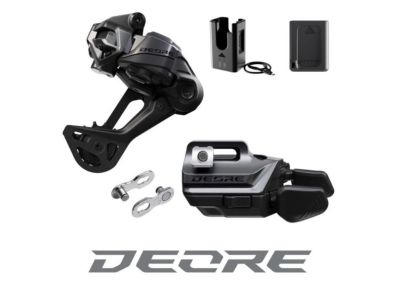
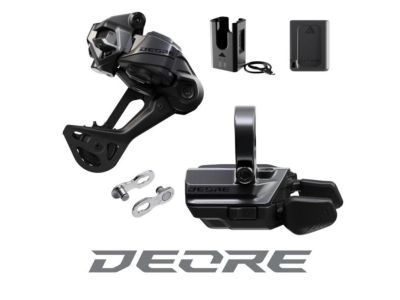
savings Shimano Deore M6250 Di2 upgrade set, SGS/I-spec EV, no cranks
429 €
savings
RRP 629 €
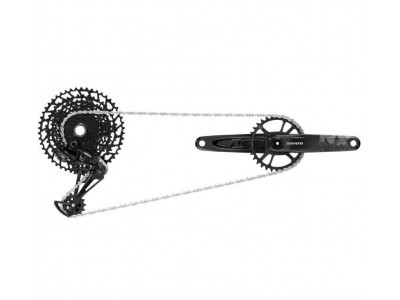

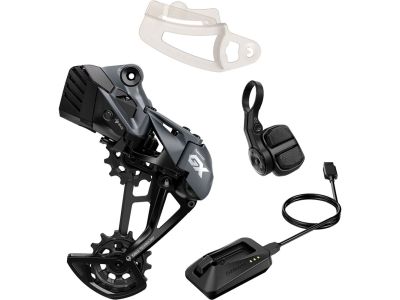
savings SRAM S500 AXS Eagle Upgrade Kit set, 1x12, without cranks
439 €
savings
RRP 689 €
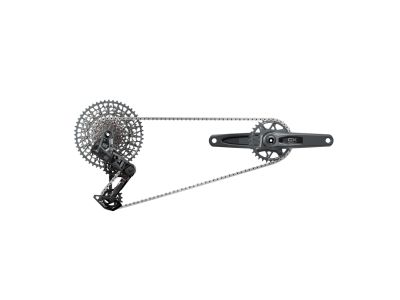
savings SRAM GX AXS Transmission DUB set, crankset 175 mm, 32T, cassette 10-52T, 1x12
929 €
savings
RRP 1,399 €
savings Shimano XT Di2 Upgrade Kit, 1x12, GS Cage, I-Spec EV, without Cranks
549 €
savings
RRP 809 €
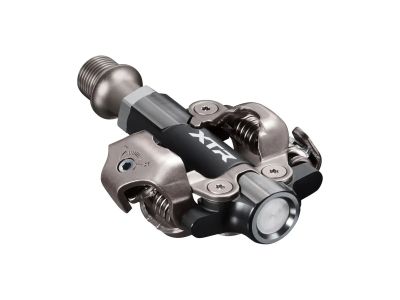
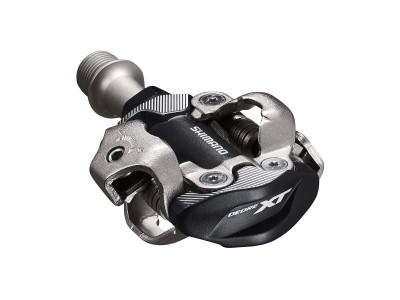
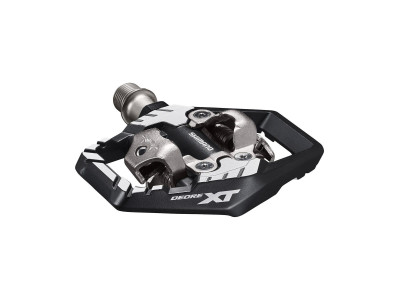
savings Shimano XT PD-M8120 pedals with integrated cage + SM-SH51 cleats
85.99 €
savings
RRP 139 €
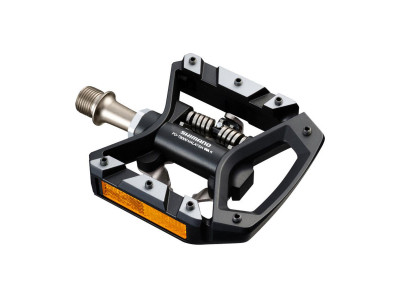
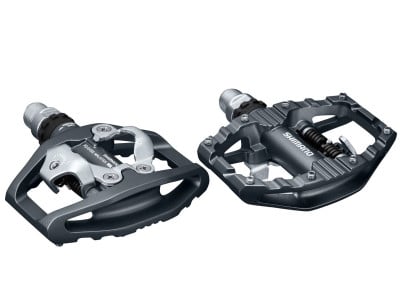
savings Shimano XT PD-T8000 pedals, single sided + cleats SM-SH56
81.99 €
savings
RRP 129 €
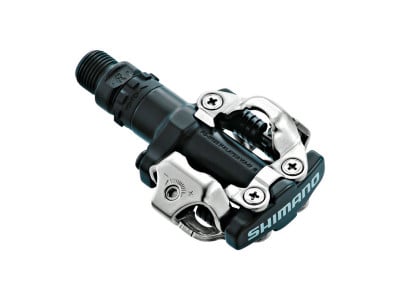
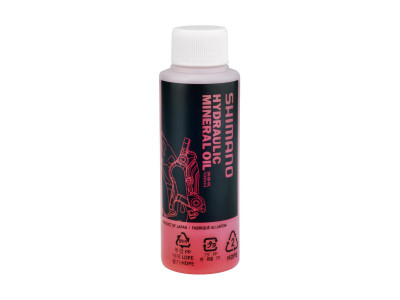
savings Shimano mineral oil for hydraulic brakes, 100 ml
8.99 €
savings
RRP 12.99 €



-31% Shimano freehub grease for FH7800/7801/M800/805 hubs, 50 g
9 €
-31%
RRP 12.99 €



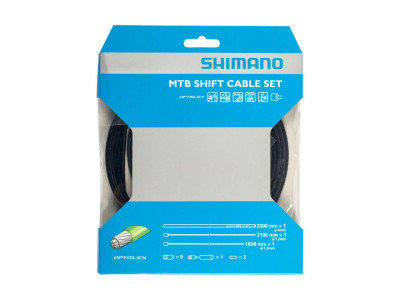
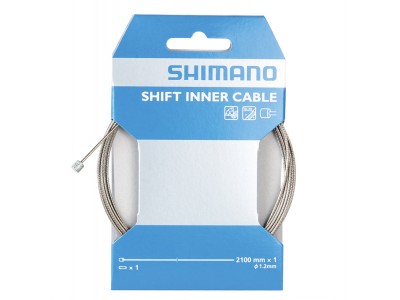
savings Shimano shift cable, Ø-1.2 x 2100 mm, stainless steel, with cable end cap
3.99 €
savings
RRP 6.99 €

savings Shimano BT-DN320 derailleur battery, Di2 wireless
41.99 €
savings
RRP 63.99 €
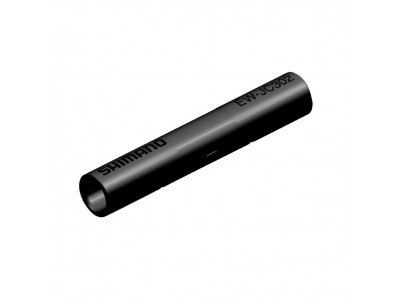
savings Shimano connector EW-JC302 Di2 for EW-SD300 cable, 2 ports
15.99 €
savings
RRP 25.99 €

We are the largest cycling e-shop in Slovakia, verified by 100,000+ customers.

We are available via e-mail, online chat, phone or in person at our MTBIKER stores.

Thanks to your order we can support cycling development.

The payment process is safe and we offer you a wide range of options.

We will reward you for your purchase and also for quality contributions in the MTBIKER forum, e-shop, trips and photo gallery.

Visit our store with a pump-track and trail access or our showroom in a historical bulding in central Bratislava.




 arrow_outward

Perfect shifting
 Jednoduchá montáž a nastavení. Běhá to fakt suprově. Stačí jen kliknout Přehazuje rychleji a přesněji a nemusíte řešit lanko a bowden. Jestli to s ježděním myslíte trochu vážně a máte velký rozpočet tak se vyplatí. Pokud ne tak správně naladěná mechanika taky funguje dobře.
Translate by GoogleShow the original Použité na e-bike, výborné presné a tiché radenie. Prehadzovač spárovaný aj s Garmin Edge 1050 kde sa vytvorila obrazovka prehadzovača + ovládanie Garminu pomocou tretieho tlačítka na páčke prehadzovača.
Translate by GoogleShow the original Radenie perfektne.
Translate by GoogleShow the original