

































































Muc-Off Secure Airtag Holder

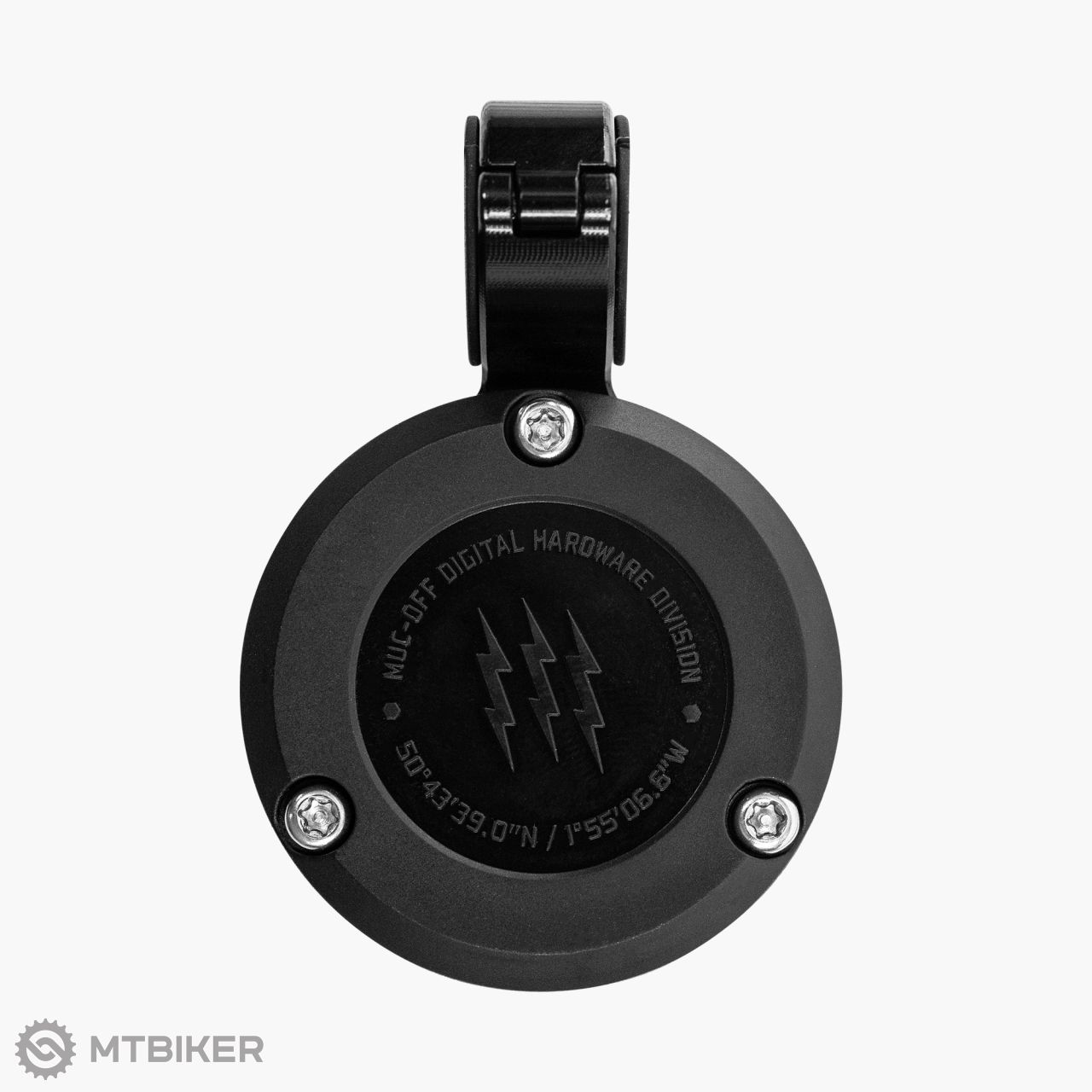
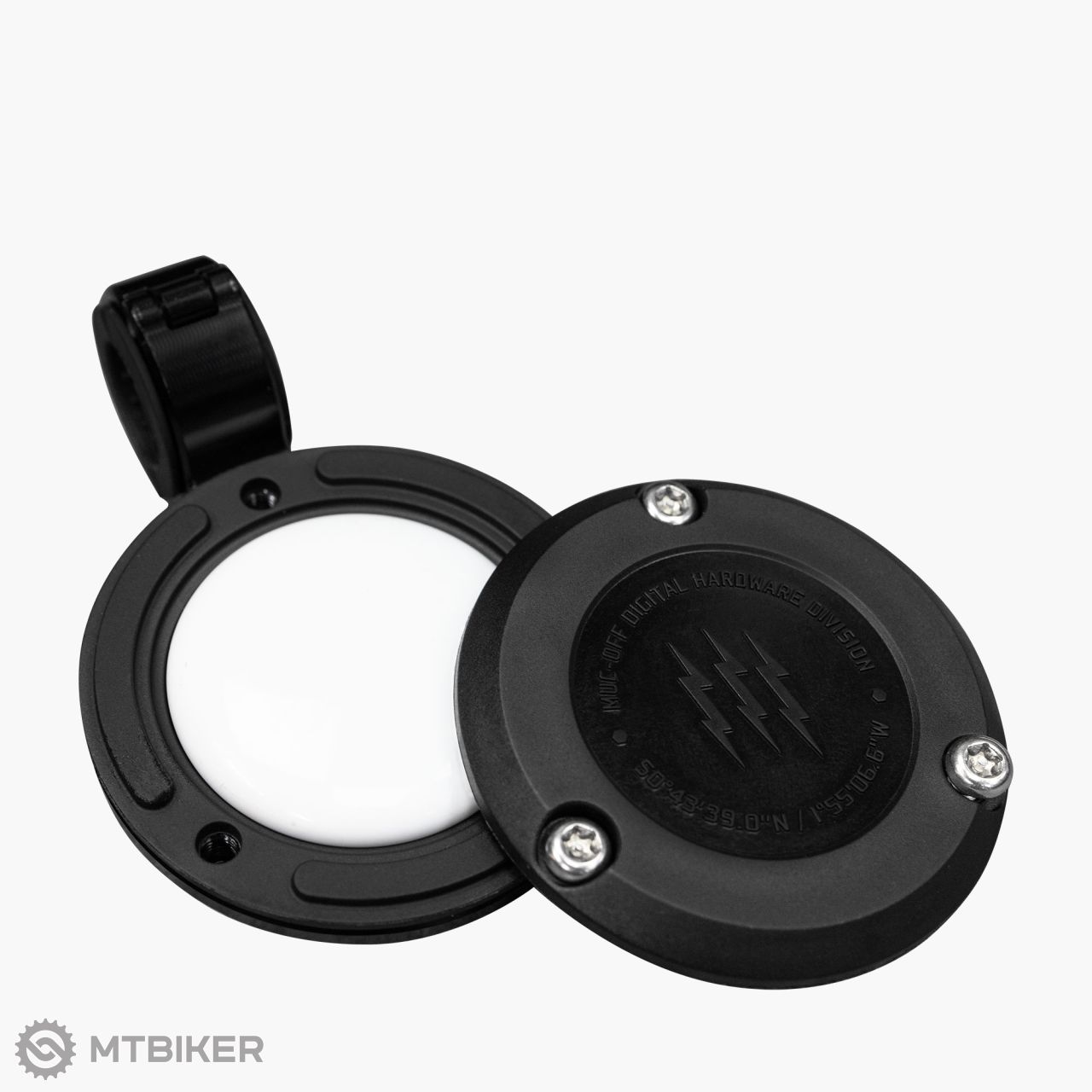






The Muc-Off Secure AirTag™ holder for powersports offers a secure way to install an Apple AirTag onto your ride, allowing you to track or trace your pride and joy using the FindMy™ app.
Your AirTag* will be securely housed within a two-part, heat-resistant polymer holder, surrounded by a precision-machined, aircraft-grade 6061 aluminium frame and clamp. It also comes with security Torx screws and a locking clamp to keep it in place!
*AirTag not included!
FEATURES
- Durable, precision CNC-machined 6061 aluminium frame and clamp
- Easy installation and secure mounting
- Highly discreet design that doesn’t snag
- Comes with anti-theft security screws and clamp key
- Two-part, heat-resistant polymer holder
- Small, lightweight, very easy to mount
- Comes with 4 different sized silicone grips allowing mounting onto cables and conduits of varying diameters
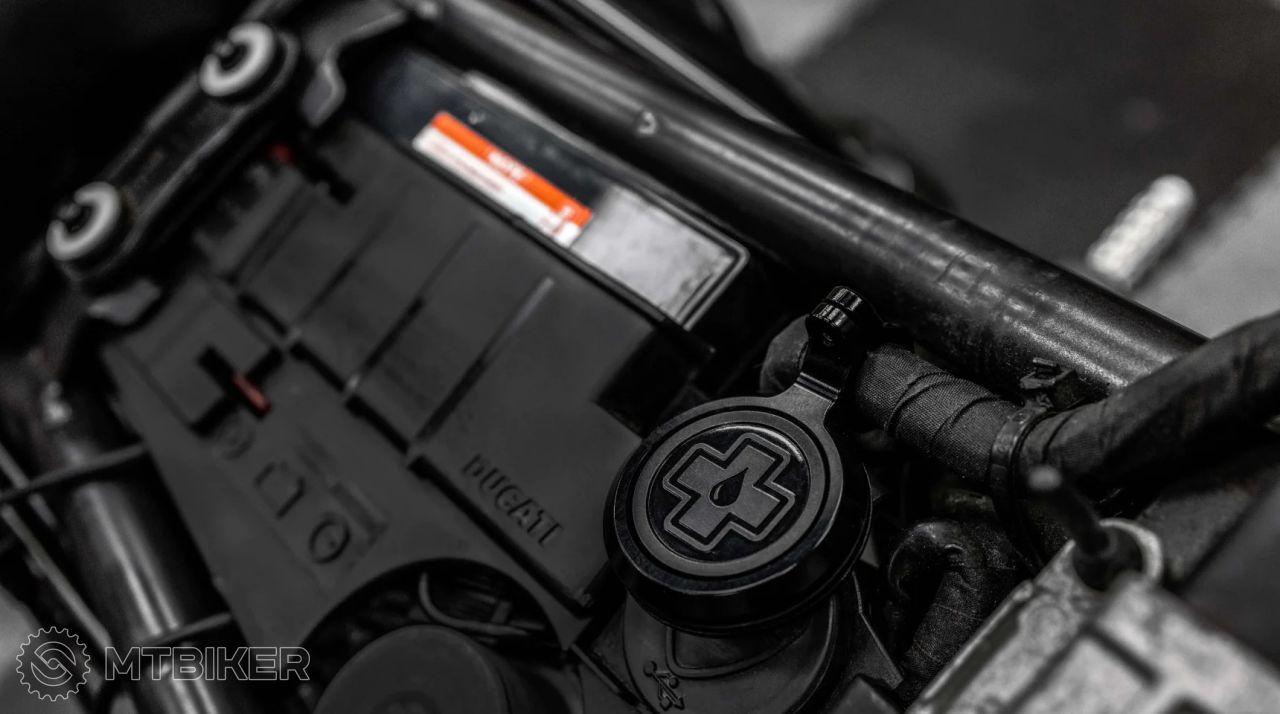
- Designed for discreet mounting in hidden locations i.e. under the motorcycle seat, in the engine bay or under side panels
- Perfectly suited for high-density population areas such as city centres.
What's in the box:
- 1 x Secure AirTag Holder Clamp and tag holder
- 4 x Silicone clamp grip sizes
- 4 x Security screws
- 1 x Security key
Instructions for use:
1. Start by unscrewing the three rear security screws from the rear plate using the supplied security key.
2. Ensure your AirTag is set up and paired to the FindMy app on your iPhone.
3. Remove the rear door plate, then place your AirTag into the recess with the silver battery cover facing downwards into the recess inside the front plate.
4. Place the rear door plate back into position, then reinstall the 3 Torx screws. Do not overtighten the screws!
5. Once the AirTag is installed into the holder, choose a mounting location, such as a cable hidden under the seat or around the engine bay, out of sight. Remember, the better you hide it, the less chance thieves have of finding it!
6. Unscrew the clamp screw, then select the correct size silicone insert from the 4 supplied sizes that fits between the clamp.
7. We recommend fitting the silicone insert around the cable first where you intend to mount the holder, then open the clamp and place it over the top. Do not mount directly next to any parts or components that get hot, are critical control systems or mechanical parts.
8. Finally, tighten the security Torx screw using the supplied Torx key. Do not overtighten the screw!
Ride on!
Warning: Do not mount directly next to any parts or components that get hot, are critical control systems or mechanical parts.
| product ID | 235999 |

Average brand rating in the category


All the answers to questions about delivery, payment, security, returns, warranty and much else.

We are the largest cycling e-shop in Slovakia, verified by 100,000+ customers.

We are available via e-mail, online chat, phone or in person at our MTBIKER stores.

Thanks to your order we can support cycling development.

The payment process is safe and we offer you a wide range of options.

We will reward you for your purchase and also for quality contributions in the MTBIKER forum, e-shop, trips and photo gallery.

Visit our store with a pump-track and trail access or our showroom in a historical bulding in central Bratislava.





 arrow_outward

There are currently no reviews